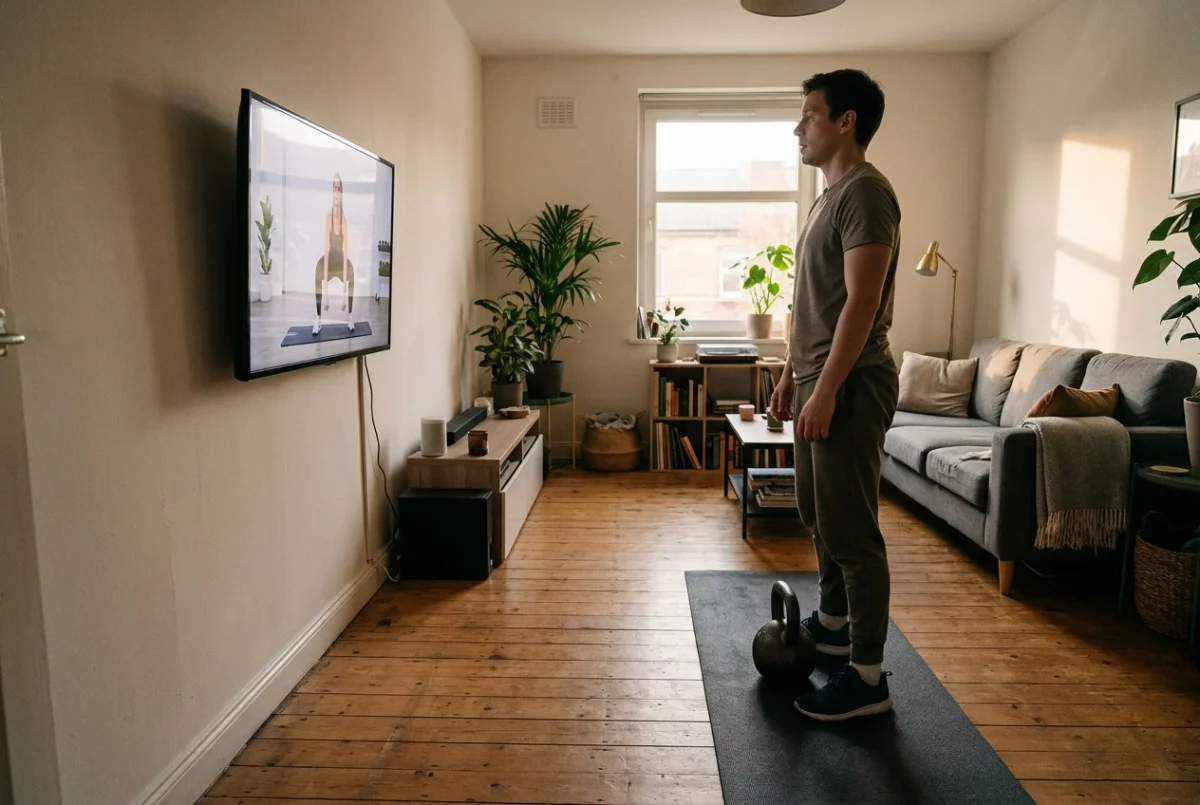
If you follow an instructor on a smart TV, the TV becomes the most important piece of equipment in the room. It decides where you stand, which way you face, how far you can see a demonstration and whether you can pause without walking across the floor. A room built for a PDF or a spreadsheet works differently, because you glance at the paper once and then lift. A coach on a screen needs to be seen and heard for the whole session.
That changes the order of decisions. Most home lifters place the rack, bench or kettlebells first and treat the TV as something that happens to be on the wall. This guide reverses that, so your home gym TV setup for workouts follows the way you move.
Why a screen coach changes how you lay out the room, not just how you train
With a written program you look at the page between sets. With an instructor on screen you watch during the set, so your eyes and your head position become part of the layout. If you have to twist your neck to see the demonstration, you will either miss the cue or compromise your position to catch it.
Three things need to line up:
- Your lifting spot, with enough clear floor for the movements in the program.
- The screen, at a height and distance where you can follow the instructor without moving your head much.
- Your control point, meaning wherever the remote, towel and water sit so you can reach them between sets.
Decide the lifting spot first. The TV usually can’t move, but your spot can, and a few feet of adjustment often fixes a bad sight line.
Pick your lifting spot first, then place the TV: sight lines, distance and angles for floor work and standing work
Mark out the space you need. For standing work, that means room to take a step in every direction and to extend your arms overhead without touching anything. For floor work, it means your full body length plus a margin at both ends.
Then look at the screen from that spot in two positions.
Standing. The instructor’s body should be visible without tilting your head up or down. A TV mounted high on the wall pulls your chin up, which is uncomfortable during pressing and squatting. If the mount can’t be lowered, stand farther back so the angle flattens out.
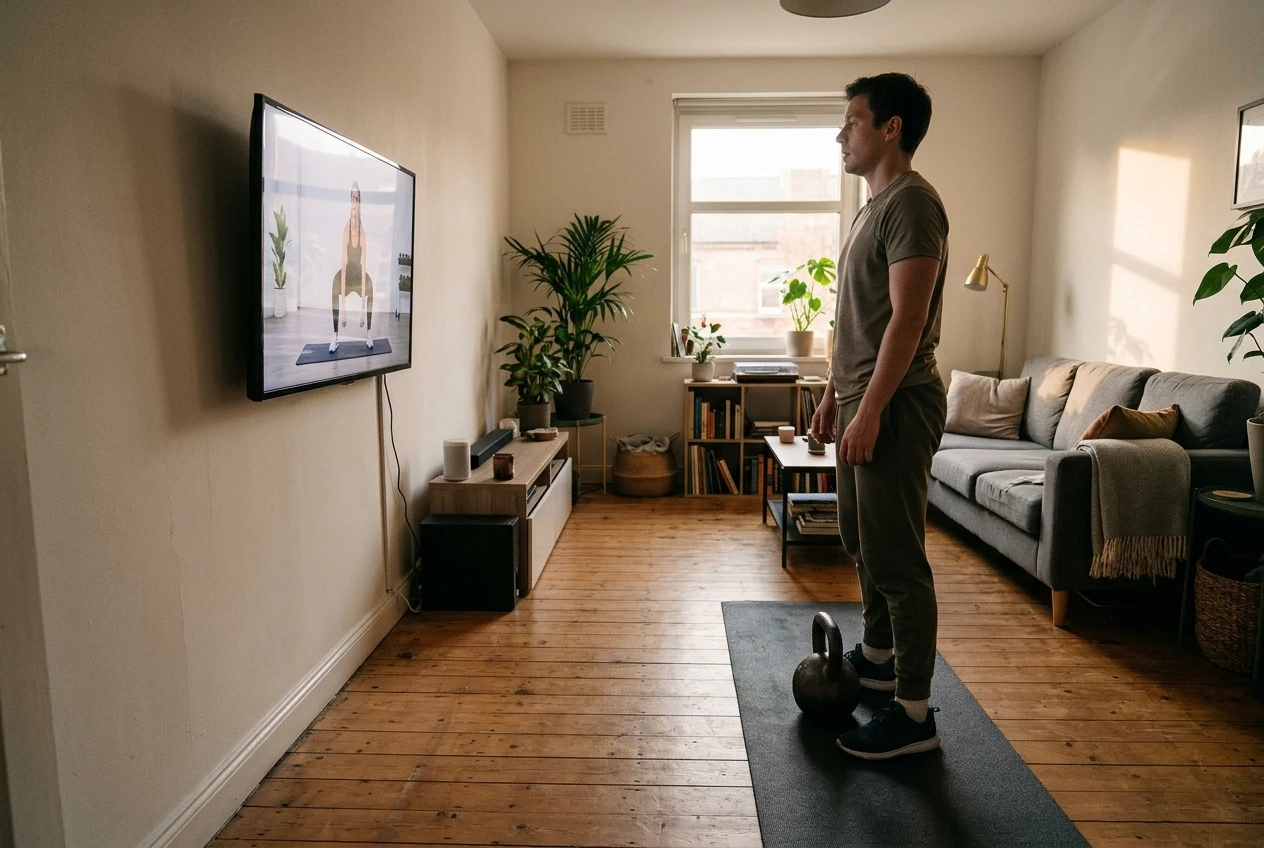
On the floor. Lie down where you will actually do the work and check that you can see the screen without lifting your head. If you can’t, rotate your mat so your head or feet point toward the TV, whichever gives the better view. For exercises done lying on your back, a screen off to one side forces a neck turn that gets tiring over a full session.
Distance matters in a practical way: you should be able to read the instructor’s setup, hand position and foot placement. If you squint, move closer or enlarge the picture if the app allows it. Before a heavy session, also check where weights could end up. A kettlebell swing sends the bell forward, toward the screen if you face it. Keep enough distance that a dropped or released bell lands on the floor, not on the TV, and consider a gap or a protective barrier if the room is tight. Face the screen at an angle, or leave extra space, if the layout leaves you no safe distance.
Glare, sound and sweat: the small setup problems that quietly ruin a TV session
A session can go wrong without any bad programming, simply because the room works against the screen.
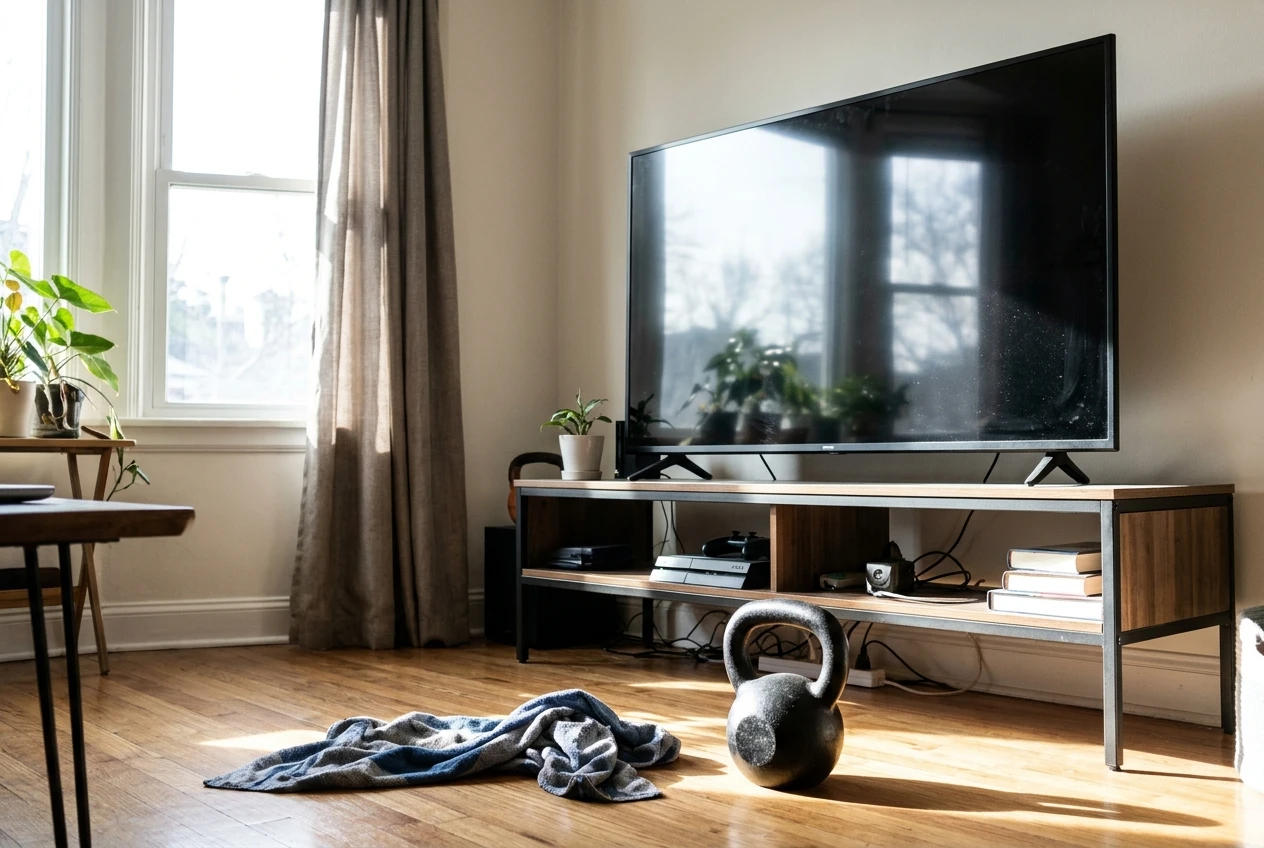
Glare. A window behind or beside you can wash out the picture at certain hours. Stand in your lifting spot at the time you usually train and look at the screen. If you see reflections, close the curtains or shift the TV angle slightly. Lamps behind you can do the same thing.
Sound. Barbell plates, kettlebells on a hard floor and a fan running in the corner can all drown out spoken cues. If the instructor’s voice gets lost, raise the volume before the session starts instead of grabbing the remote mid-set. A soundbar or speakers placed near your training spot help more than turning up the TV itself, since your ears are closer to them.
Sweat and chalk. Moisture and dust are hard on electronics. Keep the TV and any media box out of range of towels being flicked and chalk being clapped off. Wipe the remote after each session. A dry towel within reach means you aren’t drying your hands on your shirt and then smearing the remote.
Running the app with chalky hands: remote placement, rest timers and no phone detours
The most common session killer is the pause for a chore: reaching for the remote, unlocking a phone, answering a message. Each one breaks your focus and stretches your rest periods.
Set up so you rarely need to touch anything:
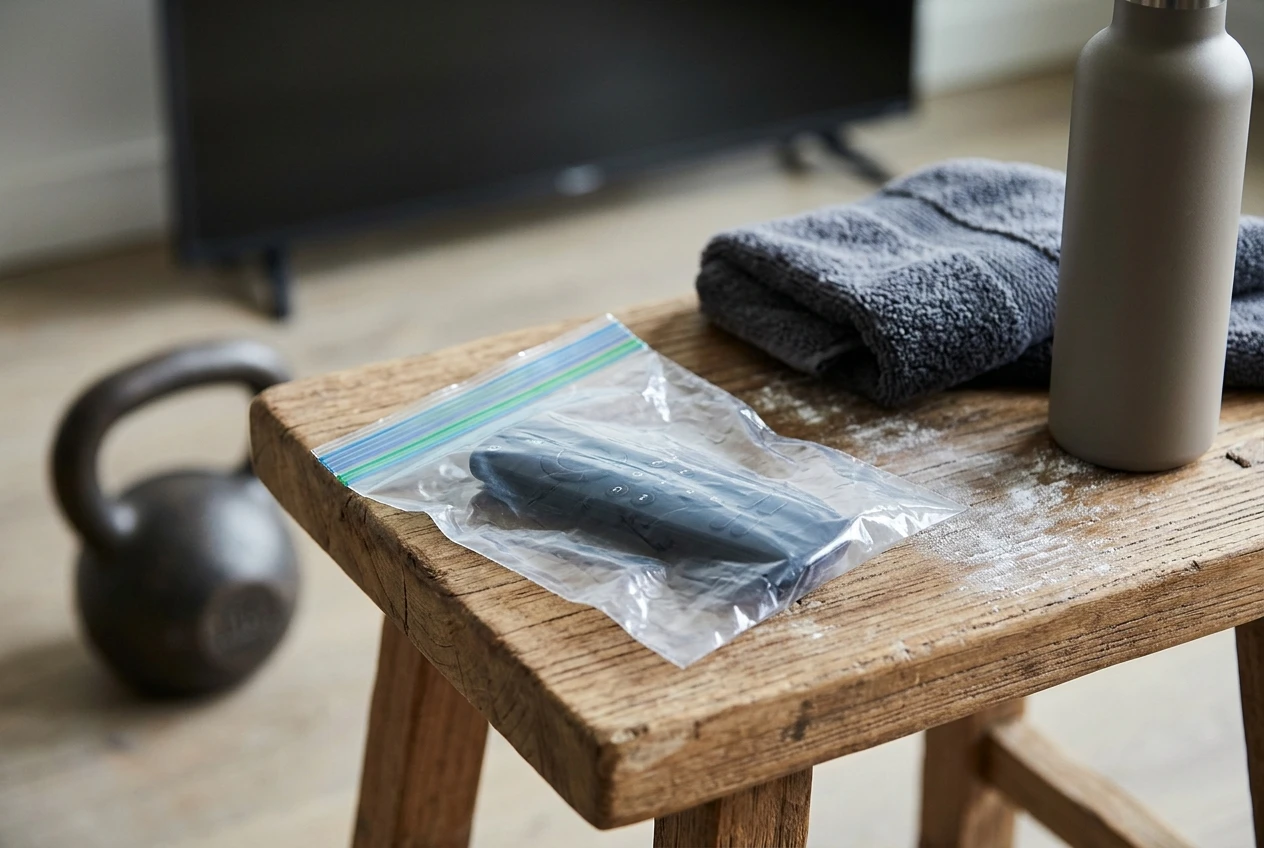
- Park the remote at your lifting spot. A small shelf, a stool or a plate-loading pin holder at hip height works. The point is that you can reach it without leaving your position.
- Keep it clean and dry. A zip-top bag or a silicone cover keeps chalk out of the buttons. Brush your hands off before picking it up.
- Learn the pause and back buttons before the session. Practice them with dry hands so you aren’t hunting for them with chalky ones.
- Use the program’s own timing. If your program shows rest periods or timers on screen, rely on those. If it doesn’t, put a simple timer or clock where you can see it from your lifting spot, so you aren’t tempted to pick up your phone.
- Put the phone out of reach. Set it to do not disturb and leave it in another room, or at least in a bag, so a notification can’t turn a 60-second rest into ten minutes.
Start the session fully ready. Open the app, pick the workout, and get your equipment on the floor before the first exercise begins. Stopping partway through to look for a kettlebell or find a mat is how timings drift.
What to add next once the screen works, in order: flooring, weights, bands
Once the TV and your spot work together, add equipment in an order that fixes real problems first. This is the order that tends to make sense for a room built around a screen coach.
1. Flooring. Floor protection comes first because it affects noise, safety and your joints, and it is easiest to fix before the rest of the equipment arrives. What you need depends on what you lift and how hard you drop it. The guide on home gym flooring matched to how you lift explains how to choose.
2. Weights. Add load after the floor is sorted. Buy what the program calls for, and no more. If you’re following a kettlebell program, which kettlebell weights you actually need covers how many you’ll want and why a single bell eventually runs out.
3. Bands. Bands are cheap, light and good for warm-ups, assistance and travel, which makes them an easy add. They wear out, though, so check the guide on which resistance bands are worth buying before you pick any up.
When you’re tempted by something beyond those three, essential versus luxury home gym equipment offers a way to decide whether it earns its floor space. A second TV, a mirror wall or a rack can wait until the basics are proven.
Which lifts suit a screen coach and which still need a mirror, a camera or a second set of eyes
An instructor on a screen is good at telling you what to do and in what order. The screen cannot see you. That distinction decides which exercises fit the format well.
Movements that suit it. Exercises where you face the screen and the cues are mainly about sequence, tempo and effort: goblet squats, presses, rows, carries, lunges and many bodyweight patterns. You can watch the demonstration, copy it, and rely on the instructor’s verbal cues for the next set.
Movements that need more. Heavier or technically demanding lifts depend on how your body looks from specific angles. A deadlift, a barbell squat or a kettlebell swing can look fine to you and still hide a rounded back or a drifting knee. For those, add one of these:
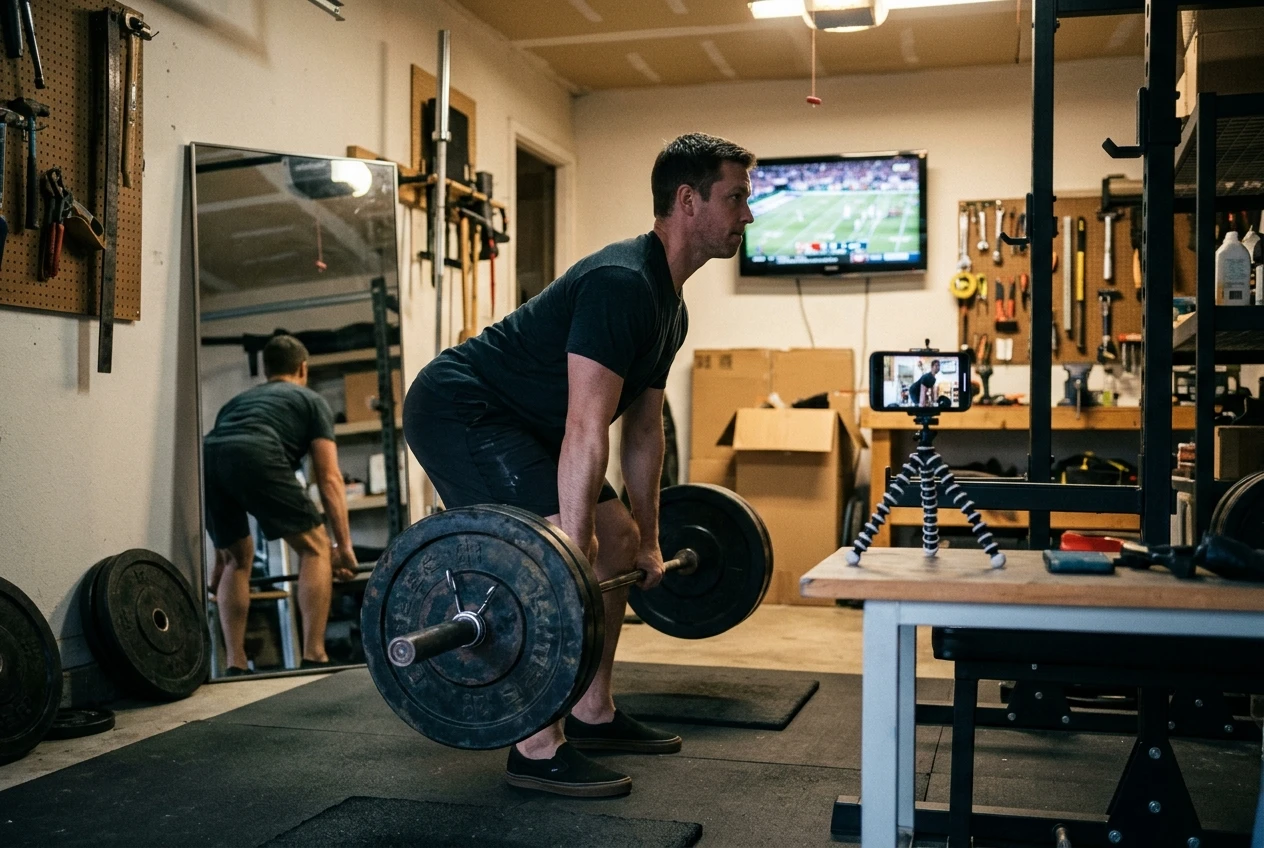
- A mirror placed to the side so you can check your back and hip position without turning toward the TV.
- A phone camera propped at hip height and recording from the side. Review a set or two after training and compare it to the instructor’s positions.
- A second person who can watch a heavy set and tell you what they see.
The video gives you a model and the mirror or camera gives you feedback. If you plan to lift heavy, use both. If your goal is steady, moderate training, the screen coach on its own covers most of what you need.
A one-evening setup checklist you can finish before your next session
You can do all of this in a single evening:
- Choose your lifting spot and mark the footprint with tape or a mat.
- Stand and lie down in that spot and check you can see the screen comfortably in both positions.
- Check the distance between the screen and the path of any weight that could be released forward.
- Look for glare at your usual training time and adjust curtains or lamps.
- Test the volume from your lifting spot with the fan or any other noise running.
- Put a shelf or stool within reach for the remote, towel and water.
- Cover or wipe the remote and practice pause and back with dry hands.
- Move your phone out of the room, or silence it and put it in a bag.
- Open the app, pick the workout and lay out the gear before you press start.
- Decide which lifts need a mirror or camera and set that up now, so it isn’t an excuse later.
Once the room is working, the program itself is the easy part. If your TV is a Samsung, the Kettlebell Monster Samsung Tizen TV workout app is a straightforward next step, and it suits the room you’ve just set up. Disclosure: this is an affiliate link, and I earn a commission if you buy through it.