
A coach does five jobs: pacing the session, choosing the weight, progressing the program, watching your form, and getting you to show up. If you write your own gym sets, you currently do all five yourself. A smart TV workout app for strength training can take over some of them completely, some only partly, and a few not at all.
Seeing which jobs move to the screen tells you whether to switch fully, partly, or not at all. It is a better question than asking which app is best.
The five jobs a coach does, and which ones a TV can actually take
Here is each job with a realistic verdict for an on-screen coach:
- Pacing: the screen can take this over almost completely. It controls work intervals, rest periods, and the order of exercises.
- Showing up: the screen helps a lot. A session that starts when you press play asks less of you than a spreadsheet you have to open and interpret.
- Load choice: this stays with you. The screen has no idea what you can lift today.
- Progression: this mostly stays with you. A fixed program follows its own script, and deciding when your weights should change is a judgment about your body and your recovery.
- Form feedback: this stays with you. A video you watch cannot watch you back.
That split is not a flaw in TV coaching. Pacing and attendance are logistics, and logistics are what a screen is good at. Load, progression, and form depend on information only you and your own eyes have, and no app that lacks that information can make those calls well.
What the screen does better than your spreadsheet: pacing, rest, and showing up
Rest periods are the easiest thing to get wrong when you run your own sessions. You finish a set, check your phone, reply to a message, and a planned 90 seconds becomes four minutes. On a conditioning day that changes the whole session, because the work is built around short, consistent rests. On a strength day the drift matters less, but it still stretches a 45-minute workout into an hour and ten.

A screen removes that drift. The interval clock runs whether or not you feel like starting the next round, and the exercise order is decided before you walk in. You do not need to read the next line of a sheet with chalky hands or remember what comes after the third round.
Showing up is the less obvious gain. When your plan lives in a spreadsheet, every session begins with small decisions: which tab, which week, did I already do this one, what weight did I plan. Each decision is a chance to put the session off. A TV session cuts that to one step: turn it on and start. For a lifter who skips days because the planning is tedious, this is the biggest benefit of the five.
If your sessions get derailed by logistics rather than effort, a screen fixes more than you might expect. If your sessions are already smooth, the gain is small. The PDF, spreadsheet, or TV app comparison covers how the formats differ on getting you through the workout, so I will not repeat it here.
Room setup affects this too. If the screen is in the wrong spot or you cannot see it from your lifting area, you will lose the pacing benefit by squinting or pausing. The guide on building your home gym around the TV covers placement.
Where TV coaching runs out: load choice, progression, and form feedback
Load choice
An instructor on screen picks a weight for the instructor. You pick one for you, and the right number depends on the day, the movement, and your training level. A kettlebell that feels light for swings can be far too heavy for overhead pressing, which is why swing weight and press weight are different numbers. A TV session can tell you a set is 10 swings, but it cannot tell you whether the bell in your hand is the right one.
This is the job beginners most often hand over by accident. They follow the screen, assume the screen has accounted for them, and pick whatever bell is nearest. Choose your weights before you press play, and keep a second weight within reach so you can adjust after the first round. Choosing a first kettlebell for a TV program walks through that decision.
Progression
Progression is the decision to add weight, reps, or sets once the current load has become manageable. A coach who knows you makes that call from how your last sessions went. A fixed program has no record of how your sessions went unless you keep one, and that record is the part many lifters stop writing down once they move to a screen.
For barbell lifts the problem is sharper. Loads move in small, specific jumps, and the right jump depends on how fast a given lift responds for you. A pre-set routine is a poor fit for that, which is a good reason to keep heavy barbell work in your own hands. If your time is tight, periodizing in 45-minute sessions is the kind of planning you still have to do yourself.
Even on kettlebell days you still own progression. When a set that felt hard in week one feels easy in week four, you decide whether the next step is a heavier bell, more reps, or less rest. Write that decision down after the session so the next one starts from it.
Form feedback
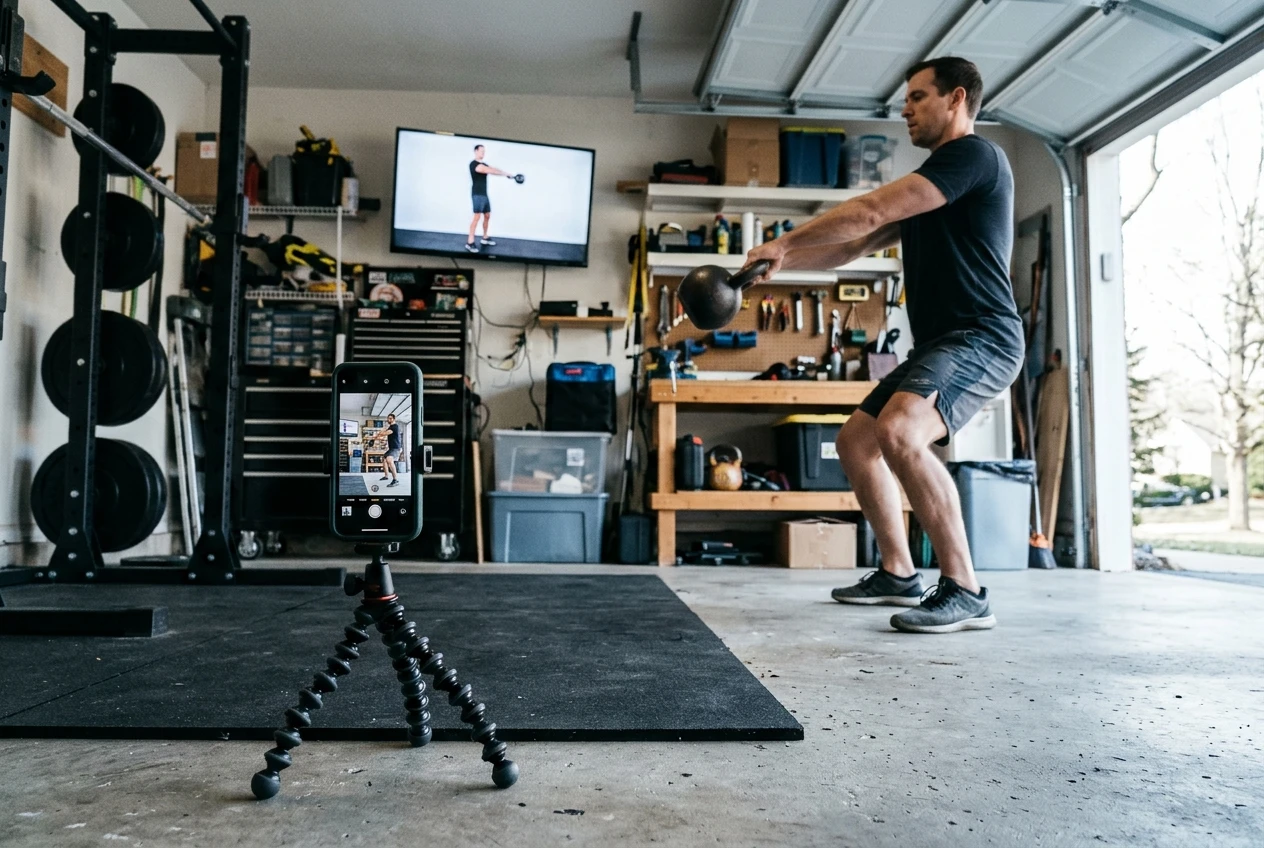
A video instructor shows what good technique looks like. It cannot tell you that your hips shoot up early in the swing, that your back rounds on the last rep of a deadlift, or that your elbow drifts in the press. You can follow every cue and still repeat the same error for months, because nothing sees it.
The fix costs nothing. Film one working set from the side every week or two, then watch it next to the instructor’s demonstration. Compare the position of the hips, the back, and the bell at the same point in the movement. On heavy barbell sets, film from the angle that shows the bar path and your spine. This replaces the one thing the screen cannot do, and it takes about two minutes.
Who should switch, who should stay manual, and who should split
Switch fully if your main problem is consistency. You write good programs but skip sessions, or your workouts are mostly kettlebell and conditioning, where pacing matters more than load precision. You are also a candidate if you are a beginner who would otherwise run no structured program at all, as long as you choose your weights carefully and film your form.
Stay manual if your training is built around heavy barbell work with deliberate load changes: a powerlifting block, a peaking cycle, a strength phase where one rep of difference matters. Those decisions depend on your daily numbers, and a fixed script cannot follow them. If you are preparing for a meet, the kettlebell piece of that plan is better chosen through the lens of kettlebell programs for powerlifters.
Split if you do both kinds of training. Most lifters who write their own sets fall here: heavy barbell lifts that need their judgment, plus conditioning or kettlebell sessions that are mostly pacing. The screen takes the jobs it does well, and you keep the ones it cannot do.
A hybrid week: TV for kettlebell and conditioning days, your own sets for heavy barbell work
This is one possible layout for a lifter on a four-to-five-day week. Adjust the days to fit your schedule.
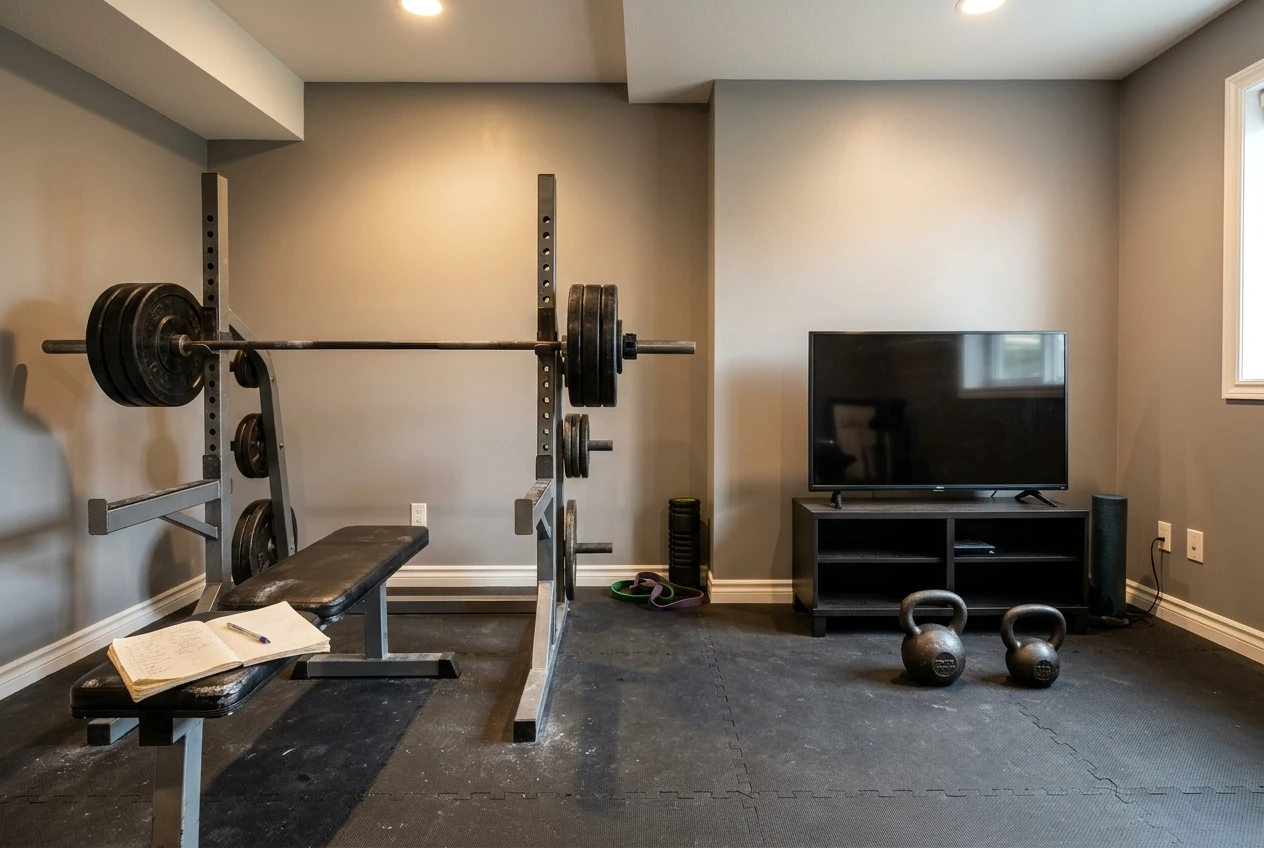
- Monday, your own sets: heavy squat session, with your own loads and rest times.
- Tuesday, TV: a kettlebell session, with the screen setting the pace and rest.
- Wednesday: rest, or easy walking.
- Thursday, your own sets: heavy bench and deadlift work, again with your numbers.
- Friday, TV: conditioning session on the screen.
- Saturday: optional second TV session if recovery is good, or a rest day.
- Sunday: rest.
The reasoning behind the layout is simple. The heavy days are the ones where load choice and progression drive results, so they stay in your notebook or spreadsheet. The TV days are the ones where pacing drives results, so you hand them over. Putting kettlebell and conditioning sessions on the days after heavy lower-body work can eat into your next squat session, so keep them away from your hardest leg day. The article on where kettlebell sessions fit in a barbell split explains how to place them so your squat does not pay for it.
Two small habits hold this together. Before each TV session, choose and set out your bells. After each one, write down the weight and how the session felt, in the same place you log your barbell work. That log is what lets you make progression decisions the screen will not make for you.
A two-week trial with pass or fail checks before you commit
Two weeks is long enough to see whether the screen helps with pacing and attendance, and short enough that it will not disrupt a training block. Run the hybrid week above twice without changing anything else, such as your barbell program, bodyweight target, or sleep routine.

Check these at the end of the two weeks:
- Attendance: did you complete every planned TV session? A pass is all of them, or all but one with a clear outside reason. If you skipped sessions as often as you skip your own written ones, the screen has not fixed your consistency problem.
- Pacing: did sessions finish close to their planned length and with the rest times as written? A pass is yes. If you kept pausing the screen, the setup or the session length is the problem.
- Load fit: did the weights you chose feel right by the second round? A pass is that you needed at most one adjustment per session. If you adjusted constantly, you are choosing loads badly, and no format will fix that.
- Barbell impact: did your heavy sessions on Monday and Thursday feel the same or better? A pass is that your bar speed and working weights held steady. If they dropped, move the TV sessions further from your heavy days.
- Form check: did you film at least two sets and find nothing you needed to correct? Even if you did find something, that counts as a pass, because the check found it. Skipping the filming is the only failure here.
If you pass most of these, keep the split and extend it for a full training block. If you pass the attendance and pacing checks and fail the load and barbell checks, you are not ready to hand over more. Keep the TV for the days where it worked and keep everything else manual. If you fail attendance and pacing both, the screen is not solving your actual problem, and staying with your own sets is the sensible result.
Test the hybrid week on your kettlebell days
If you want to try the hybrid approach, the Kettlebell Monster Samsung Tizen TV workout app is a way to run your kettlebell and conditioning days from the screen while you keep writing your own heavy barbell sets. Run the two-week trial above and let the five checks decide what happens next.
Disclosure: this is an affiliate link, so I may earn a commission if you buy through it, at no extra cost to you.