Most lifters judge a program by its exercises, sets and reps. Mid-session, though, the format it arrives in decides how much of that program you complete. A PDF, a spreadsheet and a guided TV app can hold the same swings, goblet squats and presses, and still feel very different at 6:40 in the morning with chalk on your hands.
This comparison of a workout app vs a PDF program leaves the buying question aside and looks only at what happens during the session: setup, pacing, technique cues, and logging. It also covers what none of these formats can do, which is watch you lift.
Same exercises, different format: why delivery changes how you train
A program has two jobs. It decides what you do, and it gets you through doing it. Writing the plan is the easy part. Following it for 45 minutes, with a heavy implement in your hand and your heart rate up, is where formats differ.
A PDF gives you a fixed document. A spreadsheet gives you a document you can edit and calculate with. A guided TV app gives you a session that runs in front of you while you move. Each one moves some of the work away from you and leaves other work with you:
- PDF: you keep time, check the next exercise, and remember the technique.
- Spreadsheet: you do the same, and you also enter data.
- Guided app: the app handles sequence and, depending on the app, timing and demonstration. You still supply the load decisions, the record keeping, and the self-correction.
The sections below take those jobs one at a time.
Setup friction: phone on a rack, printed page, or the TV already in front of you
Setup friction is the effort between deciding to train and starting your first working set. It matters because high-friction formats get skipped on tired days.
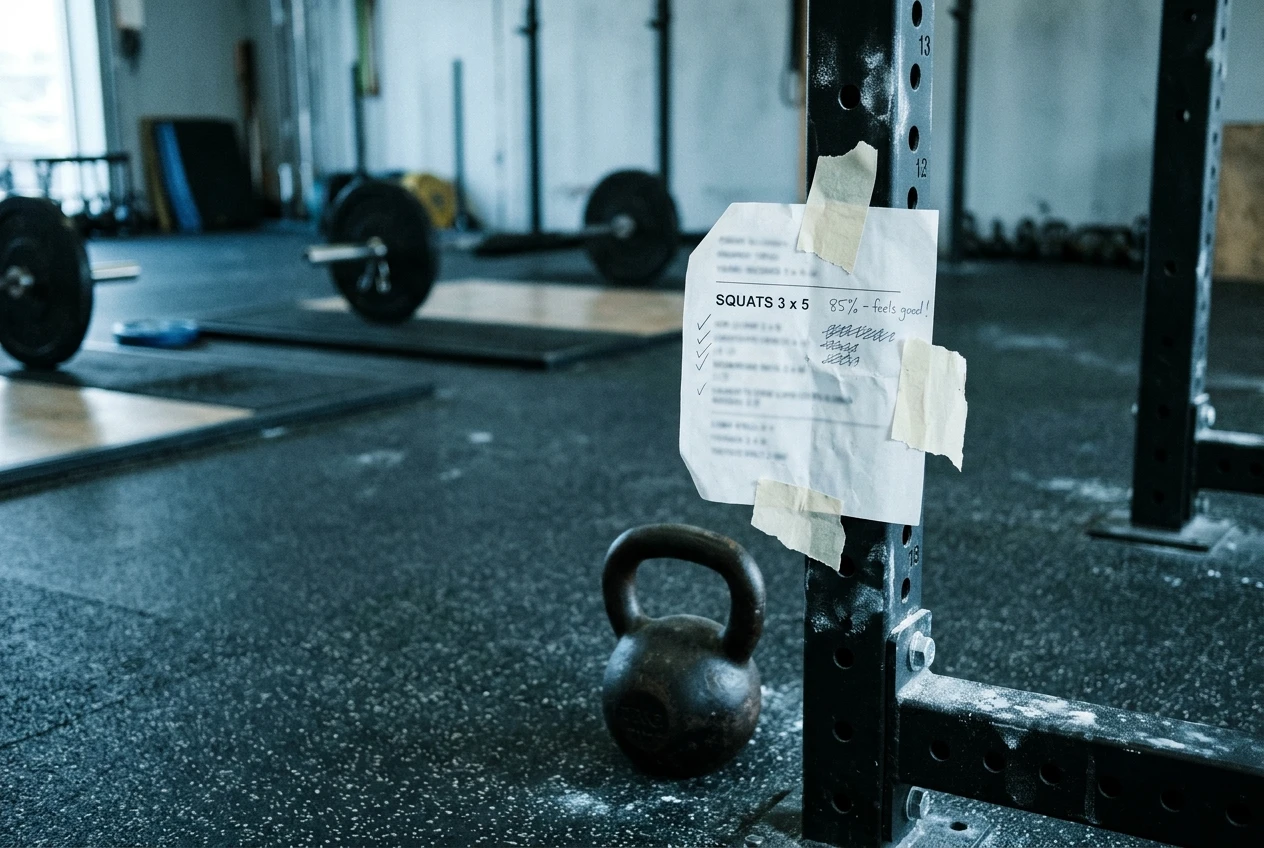
Printed PDF. A printout needs no battery and no screen lock, but it needs a spot where you can read it. Taped to a rack upright or propped against a wall works. Folded in a pocket does not. Printouts get sweaty and smudged, and any change to the plan means reprinting.
PDF or spreadsheet on a phone. The phone is already in your hand, so setup is minimal, but the mid-session use is awkward. Screens time out, chalky or sweaty fingers misfire, and a spreadsheet on a phone often means pinching and scrolling to find today’s row. Many lifters also find that picking up the phone to check a set invites a glance at messages.
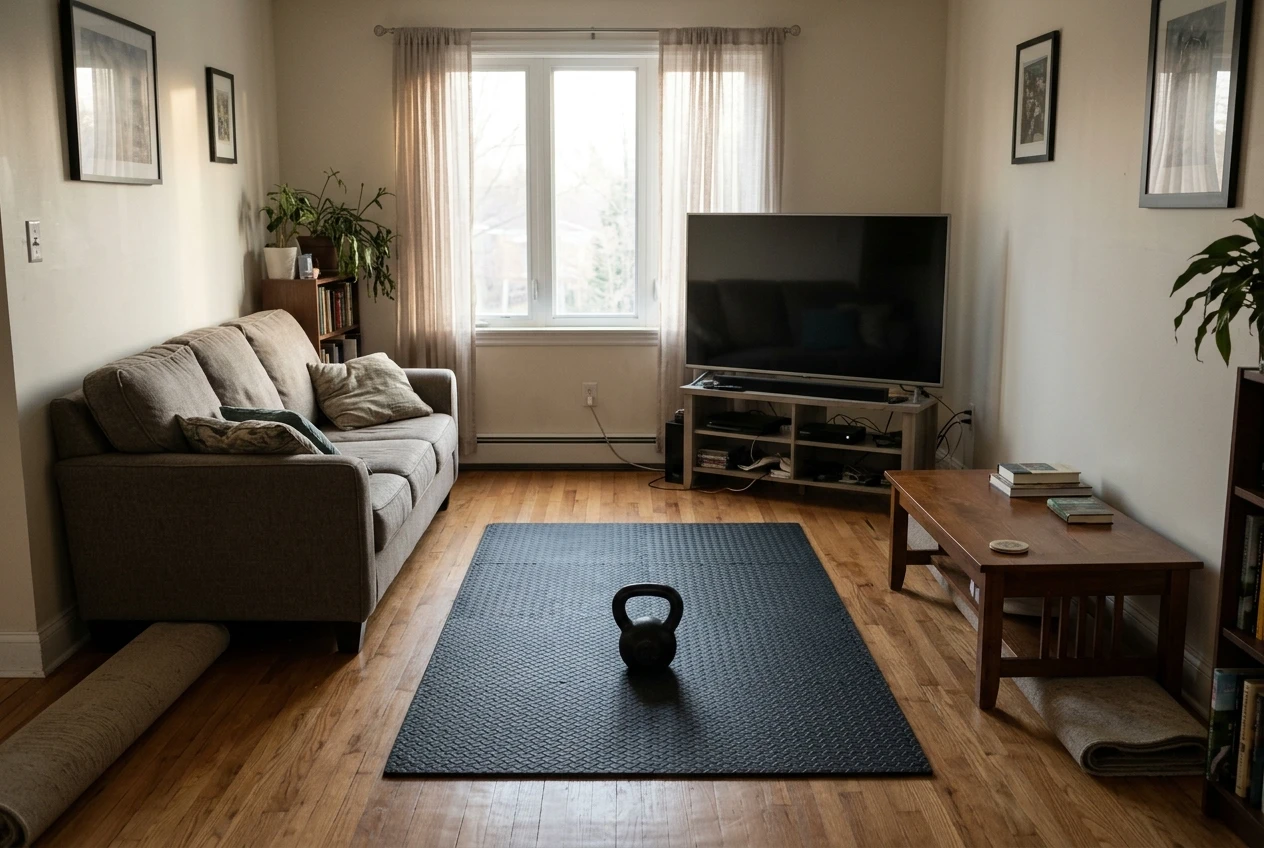
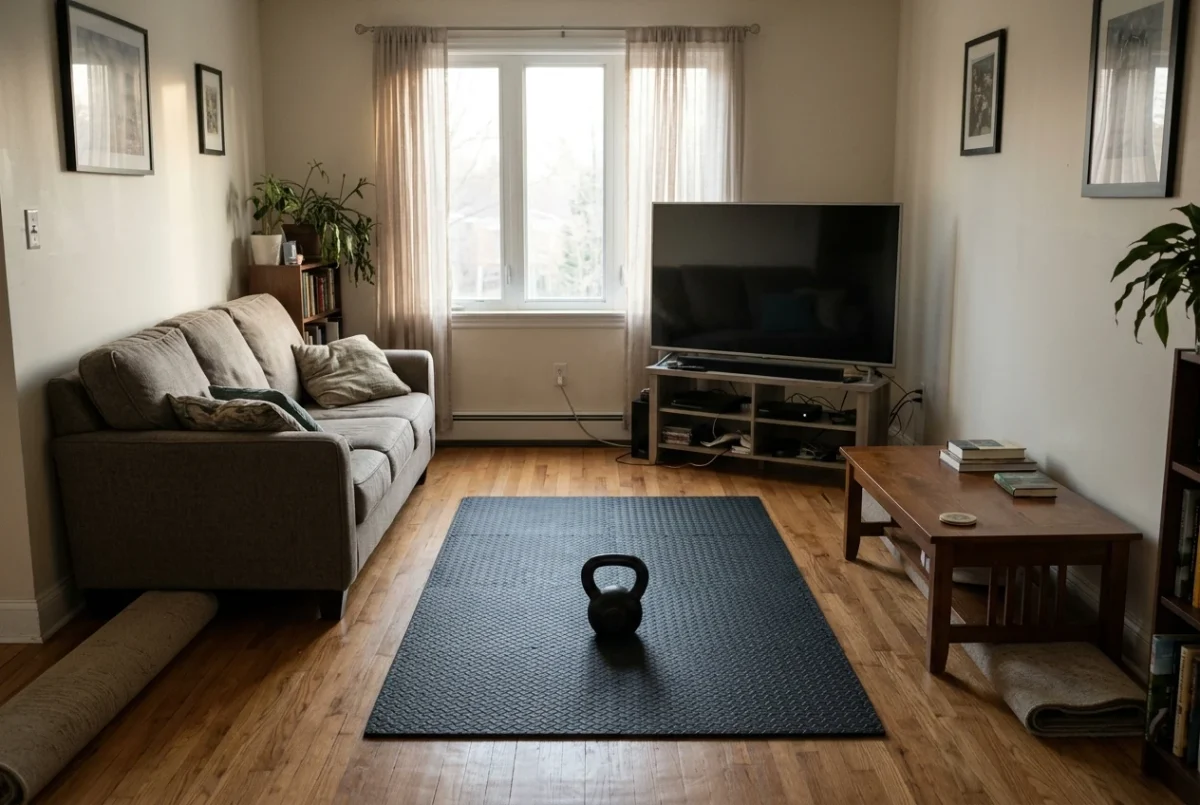
TV app. The screen is large, readable from several feet away, and already positioned. You turn it on, pick a session and start. The friction moves elsewhere: you need clear floor space in front of the TV, enough room for the bell to swing or travel without hitting furniture or the screen, and a TV that can run the app. The Kettlebell Monster app is built for Samsung Tizen TVs, so a different brand of TV will not run it.
A TV app also fits a home setup better than a commercial gym. Few gyms have a TV placed where you can follow a guided session at your station.
Pacing and rest: who keeps time when you are on set six
Rest periods are the part of a program people most often drift on. A line like “rest 60 to 90 seconds” requires someone to watch a clock, and by set six that someone is usually tired and negotiating with themselves.
With a PDF or spreadsheet, you are the timekeeper. A phone timer or gym clock works, but you have to start it every set, and rests tend to stretch longer as the session goes on. That is not a discipline failure. It is the result of making a decision every few minutes while fatigued.
A guided session removes that decision. The format sets the order of exercises and, if it runs on a clock, the work and rest intervals. You show up for the next set because the screen says it is time. For conditioning-style kettlebell work, where short rests are the point, this is a real advantage.
The cost is rigidity. Heavy strength work sometimes needs a longer rest than the plan allows, and a clock that keeps running does not know your last set was ugly. Before relying on any guided format, check whether you can pause or extend rest when you need to, and whether the session length matches the time you actually have.
Technique cues: what a demo shows versus what a PDF line item leaves out
A PDF line reads “Kettlebell swing, 5 x 10”. That tells you the exercise and the volume. It does not tell you where the hips go, how far the bell should travel, where your eyes should be, or what a bad rep looks like. Beginners fill that gap with guesses, and the common guess is to squat the swing and lift with the arms.
A video demonstration closes part of that gap:
- It shows tempo, which a written line cannot convey well.
- It shows the bell path in relation to the body.
- It shows stance width and foot position.
- It shows the transitions between exercises, such as how you get a bell from the floor into the rack position.
You can improve a PDF by writing one cue per exercise next to the set and rep scheme, such as “push the hips back, bell hangs from the hips, stand tall at the top”. Three to five words per movement is enough to prompt you mid-set. Spreadsheet users can put cues in a notes column.
Even a good demo shows an idealized rep from one camera angle. It does not show your rep, and it cannot tell you that yours differs.
What no format can do: your hips, your back, and how to film yourself
A coach standing next to you can say “your back is rounding on rep four” while rep four is still happening. A PDF cannot do that. A spreadsheet cannot. A guided app on your TV cannot either, because it has no view of you. It plays the same session whether your form is clean or breaking down.
That limit matters most on hinge movements such as swings, deadlifts and cleans, where the hips and lower back do the work and the person lifting cannot see either.
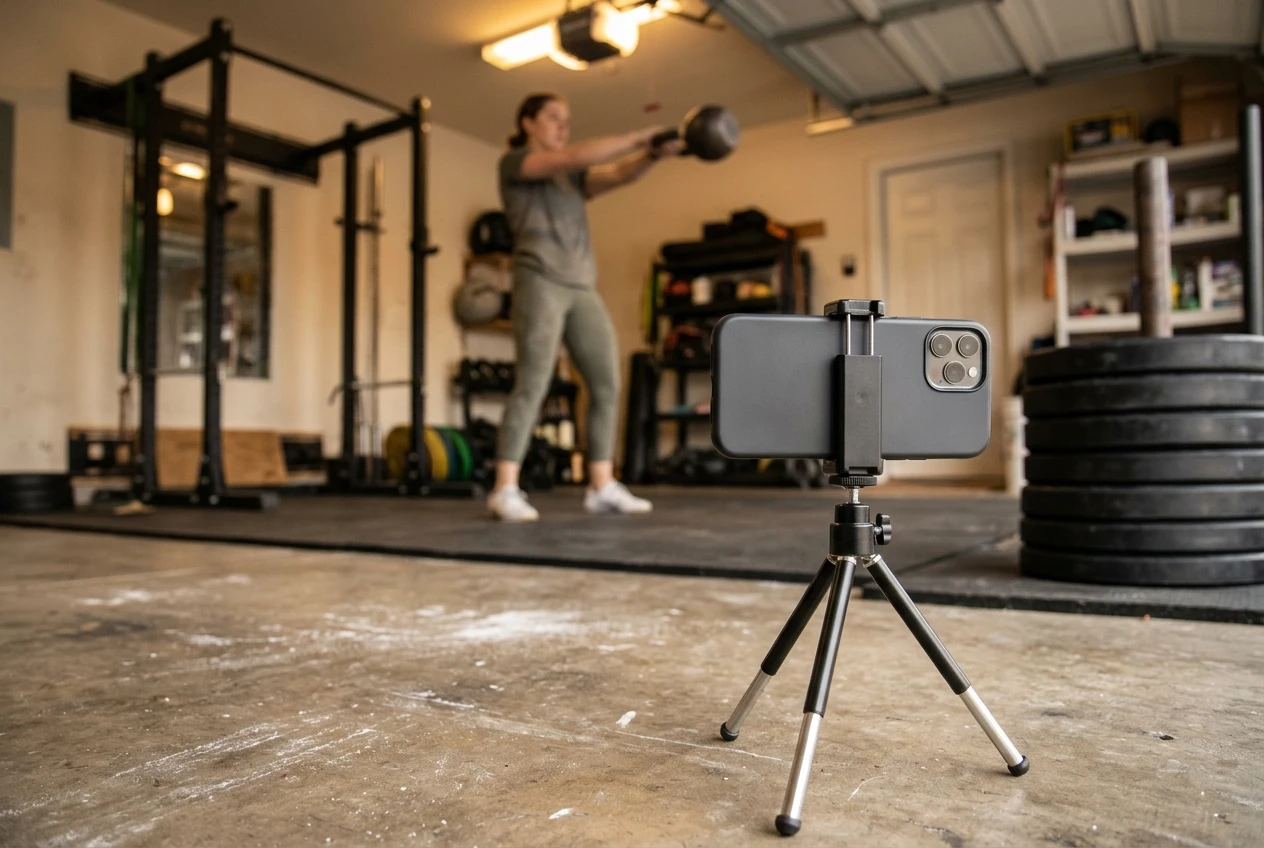
You can cover part of the gap with your phone:
- Place the camera side-on, at about hip height, two to three meters away, so your whole body and the bell stay in frame.
- Film one early working set and one late working set. Form often changes with fatigue, and the late set shows it.
- Watch the clips against the demo. Look at whether your back stays in a consistent position, whether your hips reach full extension at the top instead of your torso leaning back, and whether the bell stays close to your body on the way down.
- Film a second angle occasionally, from the front or a 45-degree angle, to check knee and foot position.
- Change one thing at a time after reviewing. Fixing three cues at once usually fixes none.
Filming gives you feedback after the set rather than during it, and it only helps if you know what to look for. If you are new to a movement, a few sessions with a qualified coach, in person or by video review, are worth more than any format.
Tracking and progression: where spreadsheets win and where a guided app leaves you to log
Spreadsheets are the strongest format for tracking. You can record every set, sort by exercise, compare this month to last month, and chart a lift over time. A simple log needs only a few columns: date, exercise, load, sets, reps, and a notes field for how it felt.
A guided app is built to tell you what to do today. It does not necessarily record what you lifted or decide what to lift next week. If your app works that way, the logging and the progression decisions are yours. The full process is covered in how to add load week to week when your training app only tells you what to do today.
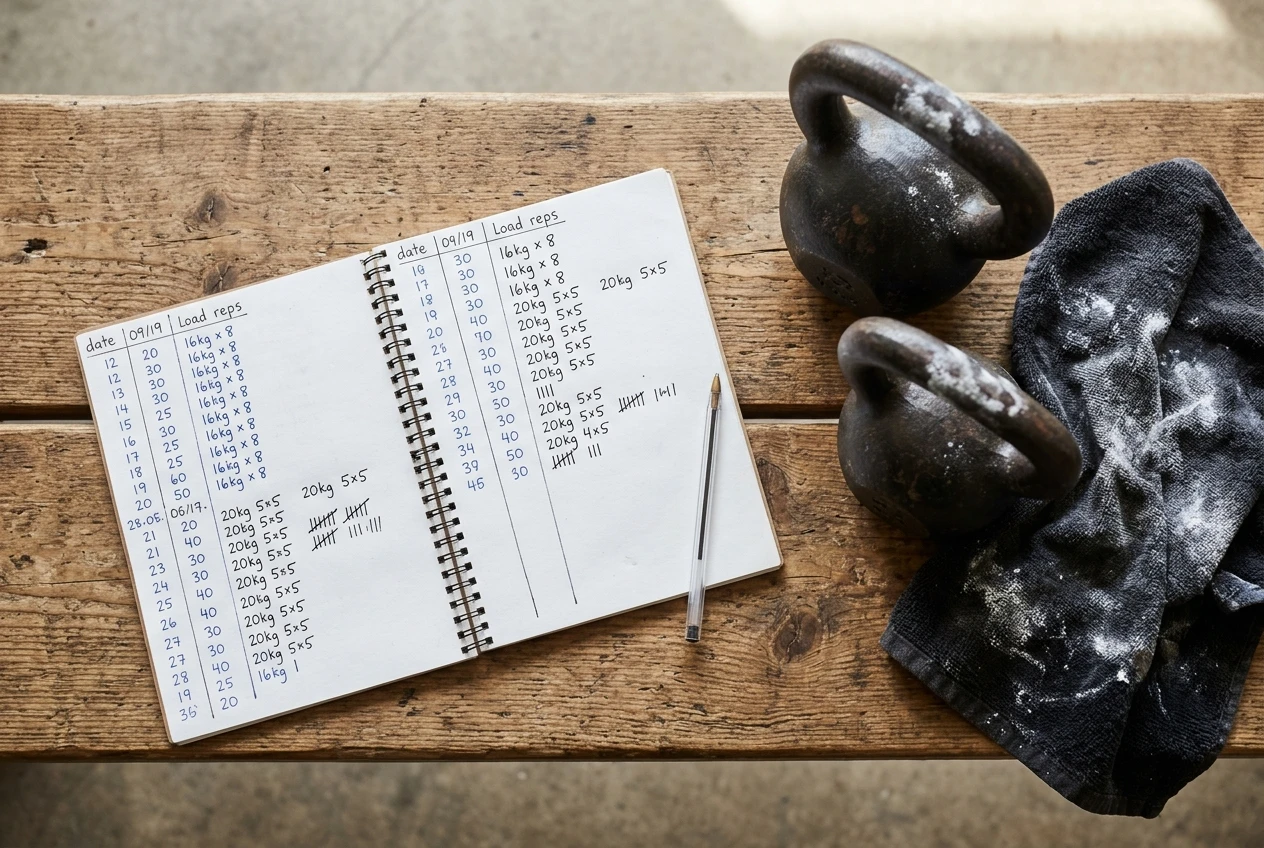
Kettlebell progression has its own constraint: bells come in fixed weights, and the jump between sizes can be large. When the next bell is too heavy, you can progress with more reps, more sets, a slower tempo or shorter rests instead. A spreadsheet makes that easy to track, because you can see which variable changed from week to week.
A workable combination is a guided app for the session itself and a spreadsheet or notebook for the record. Logging takes a minute after the final set, and it is the only way to know whether you progressed.
Which format fits which lifter
No format is best for everyone. Use these criteria.
By experience
- Newer lifters benefit most from on-screen demos and a session that tells them what comes next. A PDF alone leaves too many technique questions open.
- Experienced lifters usually know the movements and want control over load and rest. A spreadsheet or PDF gives them that.
By space
- Clear floor in front of a TV favors a guided app.
- A garage or gym with no screen in view favors a printed PDF or a phone-based spreadsheet.
- Small or shared rooms need a check on bell clearance before any on-screen session.
By how much you like planning
- If you enjoy designing your own training, a spreadsheet fits, because you can build, adjust and track everything yourself.
- If you want to press start and follow instructions, a guided session removes the planning, and you only have to add logging.
Many lifters end up with a mix: the guided session for the work, the spreadsheet for the numbers.
How to try Kettlebell Monster’s Samsung TV app without committing blind
Before paying for any program app, check the practical points. For Kettlebell Monster’s Samsung Tizen TV app, work through this list:
- Confirm your TV runs Tizen. The app is made for Samsung Tizen TVs, so check your model before anything else.
- Check your space. Stand where you would train and confirm you have room for the bell to move, with a safe distance from the screen and furniture.
- Check your equipment. Make sure the bell weights you own match what the sessions call for. If you are unsure which weights a program needs, why one kettlebell won’t carry you through a program lays out the common sizes.
- Read the product page for terms. Look for what is included and for any return or refund policy before you pay.
- Run your first session as a test. Ask whether you can read the screen from your training spot, whether you can pause when you need to, whether the rest periods suit you, and whether the demos make the movements clear.
- Plan your logging. Decide before the first session where you will write down your loads.
For the full question of whether the program is worth buying at all, read the Kettlebell Monster app review.
If you own a Samsung TV and want to see how guided kettlebell sessions compare with your current PDF or spreadsheet, check out the Kettlebell Monster Samsung Tizen TV app (affiliate link, I earn a commission if you buy, at no extra cost to you).