A bigger screen helps your lifting only if you can see it from where your body ends up in the lift. In a garage or spare room, a TV that sits in the wrong place turns a bigger picture into a worse view of the coach. This walkthrough covers where the screen goes, how high, how far away, and what else in the room affects it. It fits in one session, and it ends with a short test to run before your first real workout. Most of it applies to any workout TV setup for a home gym, whatever program you follow.
Why a screen that is easy to watch changes what you can fix mid-set
When you follow a coach on a phone propped against a wall, you tend to check the demo before the set and then train from memory. A screen you can see without moving your head lets you check during the set. You can compare your hip position at the bottom of a swing with the coach’s, or see where the coach’s elbow sits in a press, while your own rep is still happening.
That only works if looking at the screen does not change your position. If you have to turn your neck, step sideways or squint, you correct one thing and break another. The goal of the setup is for the glance to cost nothing: the screen is already where your eyes go during the lift.
Sight line first: matching screen height to where your head actually goes
Start from your head, not from the wall. Different lifts put your eyes in different places, so check the positions you will actually use:
- Swing and hinge work: your torso tips forward at the bottom, but your head should stay in line with your spine. Your eyes land on a spot ahead of you, a few feet out and not far above the floor.
- Goblet squat, press and clean: you are mostly upright, so your eyes are near standing eye level.
- Floor work such as the Turkish get-up: you start lying down, looking at the ceiling or at the bell. A wall-mounted screen at standing eye level may be out of sight from there.
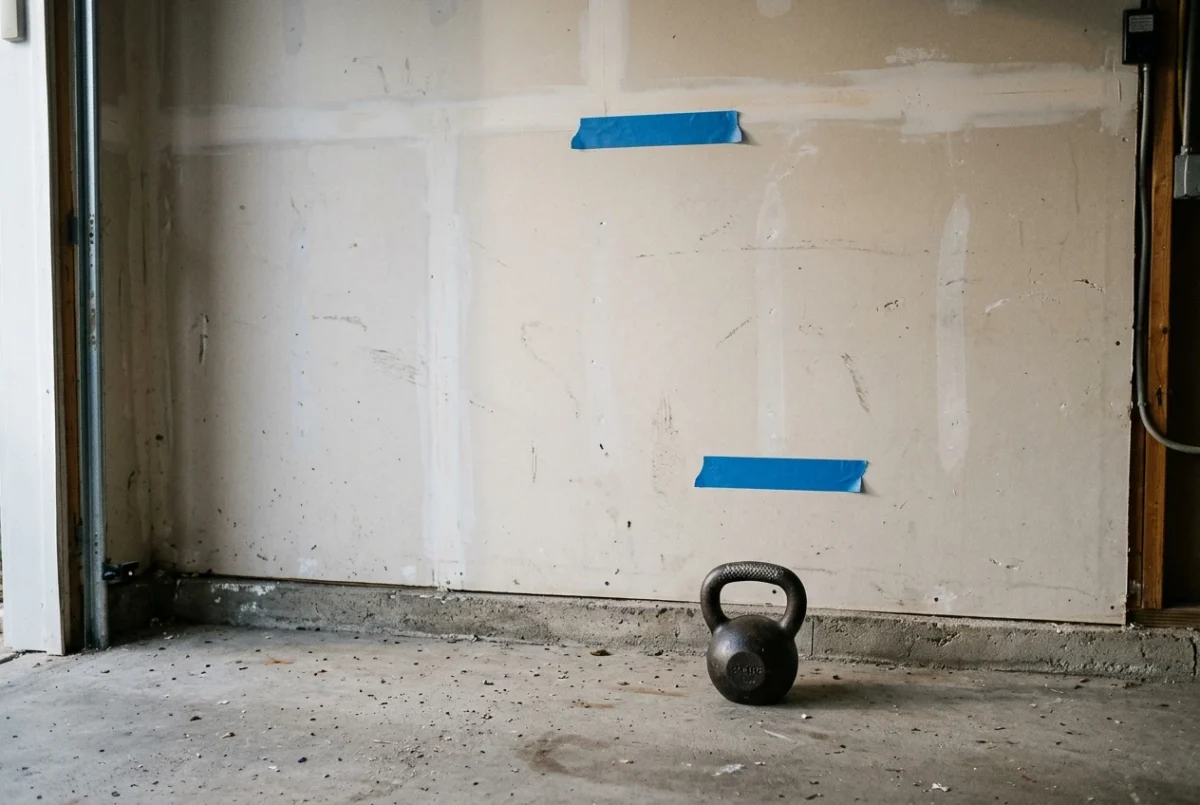
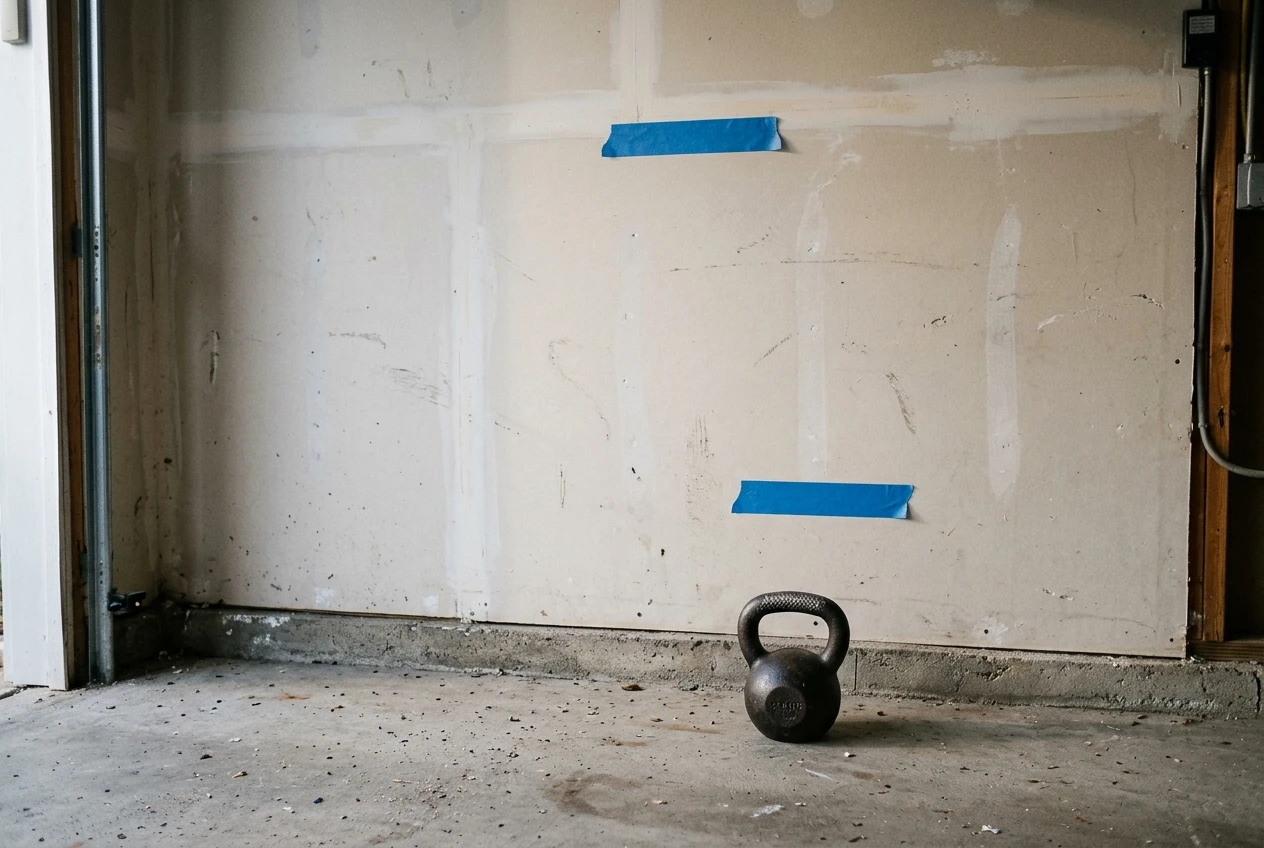
Put a piece of tape on the wall at standing eye level, then get into the bottom of a hinge and note where your eyes point. For most standing and hinging work, the screen’s center belongs somewhere between those two heights. For most people that is a little lower than a living-room TV would sit. If you plan to do a lot of floor work, a lower screen or a tilting mount makes more sense than one fixed high.
Which lifts you most want to check matters here. The piece on phone or Samsung TV for kettlebell form goes through that lift by lift. Use it to decide which two or three positions your screen height has to serve, then set the height for those.
Distance and angle: how far back to stand
Stand where you will lift, not where you will admire the screen. The test for distance is simple: from your starting stance, can you see the coach’s hands, feet and the path of the bell clearly enough to copy them? If you find yourself leaning in, you are too far. If you have to move your head to take in the whole frame, you are too close.
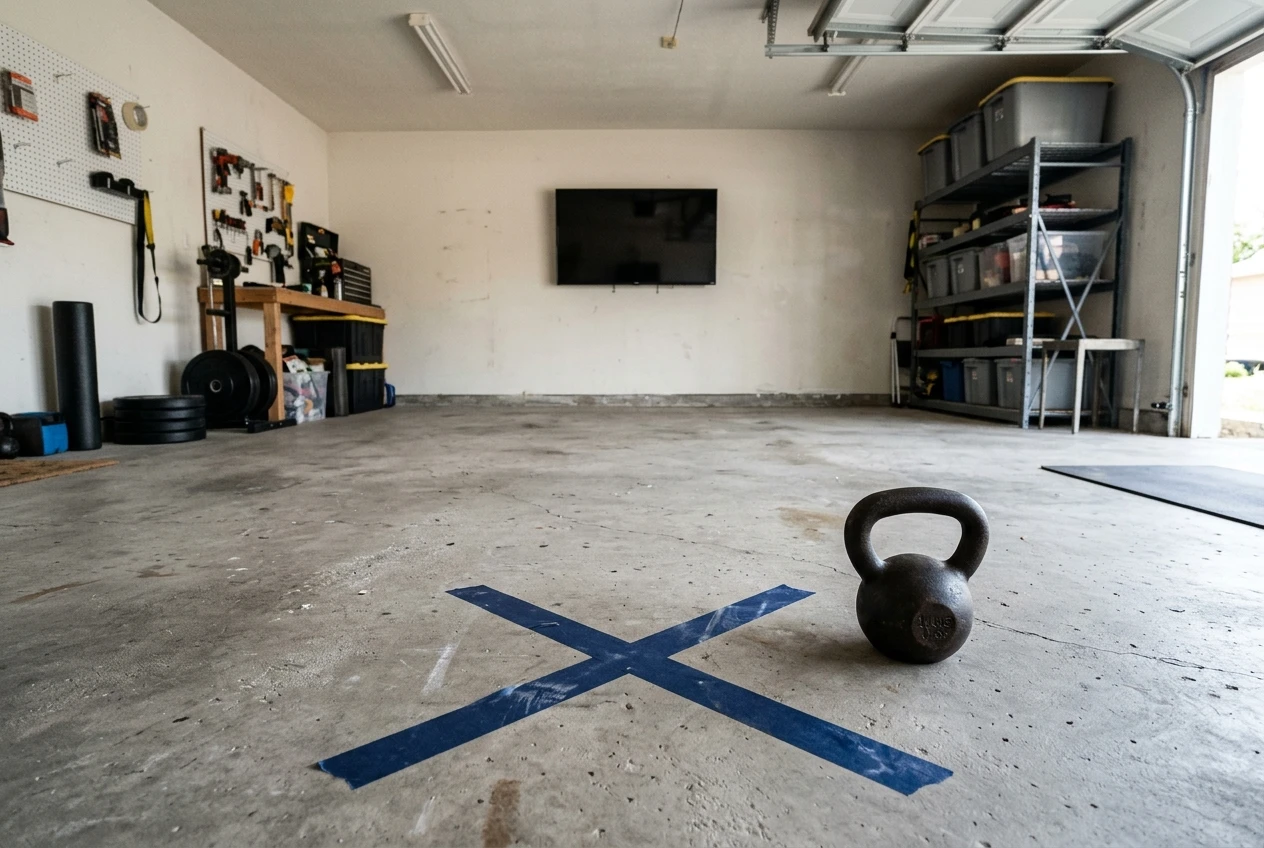
Screen size changes the answer, so there is no single number that works for every room. Mark your lifting spot on the floor with tape, set the TV where it seems right, and adjust from there. If your room only allows one distance, change the screen height or the angle instead.
Angle matters as much as distance. If the screen sits to one side of your lifting spot, every glance twists your neck, and the twist travels into your torso. Put the screen directly in front of you, or only slightly off to one side. If you cannot face it, rotate your stance and your whole body, not just your head.
One safety point comes from facing the screen. A kettlebell swing sends the bell forward, away from your body, at roughly chest height. Leave enough clear floor between you and the TV that a bell released early lands on the floor, not on the glass. A TV on a low stand directly in the bell’s path is a bad idea. A wall mount or a spot off to the side of the bell path is safer.
Glare, chalk, sweat and noise: problems a phone never had
A phone is small and sits close, so glare, dust and echo rarely matter. A TV across a garage meets all three.
Glare. Check the screen from your lifting spot at the times of day you train. Garage door windows, side windows and bare overhead bulbs all reflect off a TV. If you see a reflection that hides part of the picture, move the screen, change the angle, or cover the window. Lights placed behind you are the usual culprit.
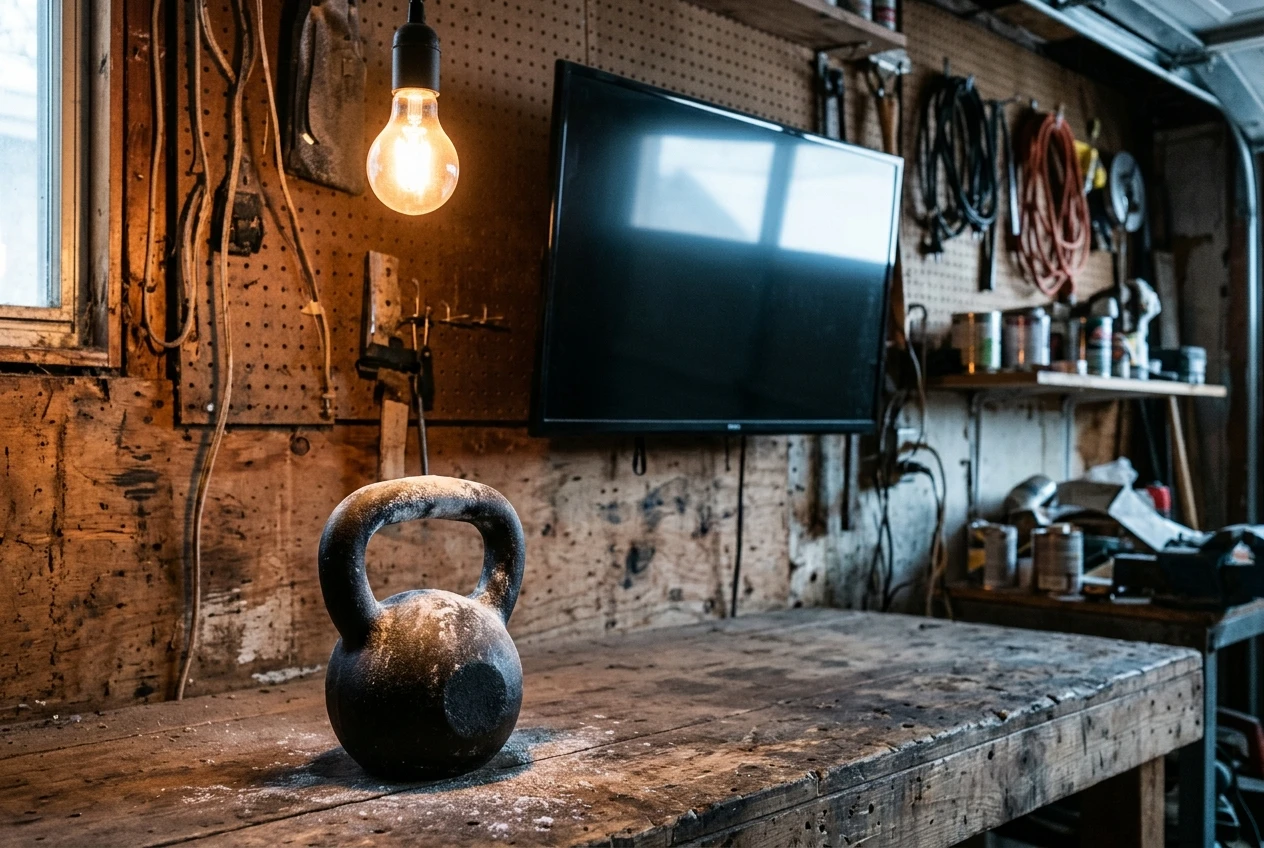
Chalk and dust. Chalk, sawdust or concrete dust settles on a screen and softens the image. Keep the TV out of the area where you chalk up, and wipe it with a soft, dry cloth, following the manufacturer’s cleaning instructions for your model. Do not use a damp cloth unless those instructions allow it.
Sweat. Sweat on the screen is unlikely, but sweat on the remote is routine. Put the remote somewhere you can reach without wiping your hands first, and keep a towel next to it.
Noise. A concrete floor and bare walls bounce sound around. A coach’s voice that is clear in a living room can get lost under a clanging bell, a fan or a compressor. Test the volume while you swing, not while you stand still. If the TV’s own speakers lose to the noise in your room, an external speaker placed nearer your lifting spot helps more than turning the volume up.
Taking the phone out of the workout
A phone makes the workout compete with everything else it does. A message, an email or a news alert lands on the screen in the middle of a set. Then your sweaty finger taps the wrong thing and you lose your place in the session.
Moving the workout to the TV removes most of this, provided the phone leaves the room or stays out of reach. Switch it to Do Not Disturb before you start, and put it on a shelf away from your lifting spot. If you need it as a timer or a music source, set that up before the first set and leave it alone.
Next, plan how you will control the TV. A remote has larger buttons than a touchscreen and does not smear when it is wet, but you still have to find it and reach it. Put it on a shelf or bench within one step of your starting position. Decide before the workout where it goes after each use, so you never search for it mid-session.
If you have followed the same program on your phone for a while, you already know the habit of looking down to find your place. On a TV, put that habit to use: pause at the start of each block, look at the screen and note what is next before you pick up the bell.
A ten-minute setup test before your first session
Run this test with a Samsung TV and a kettlebell. Use a light bell, since you are testing the room and not your strength. If you follow a kettlebell program, such as the ones at Kettlebell Monster (affiliate link), use its warm-up. Otherwise, a halo, a goblet squat, a hip hinge and a few light swings cover the positions that matter.
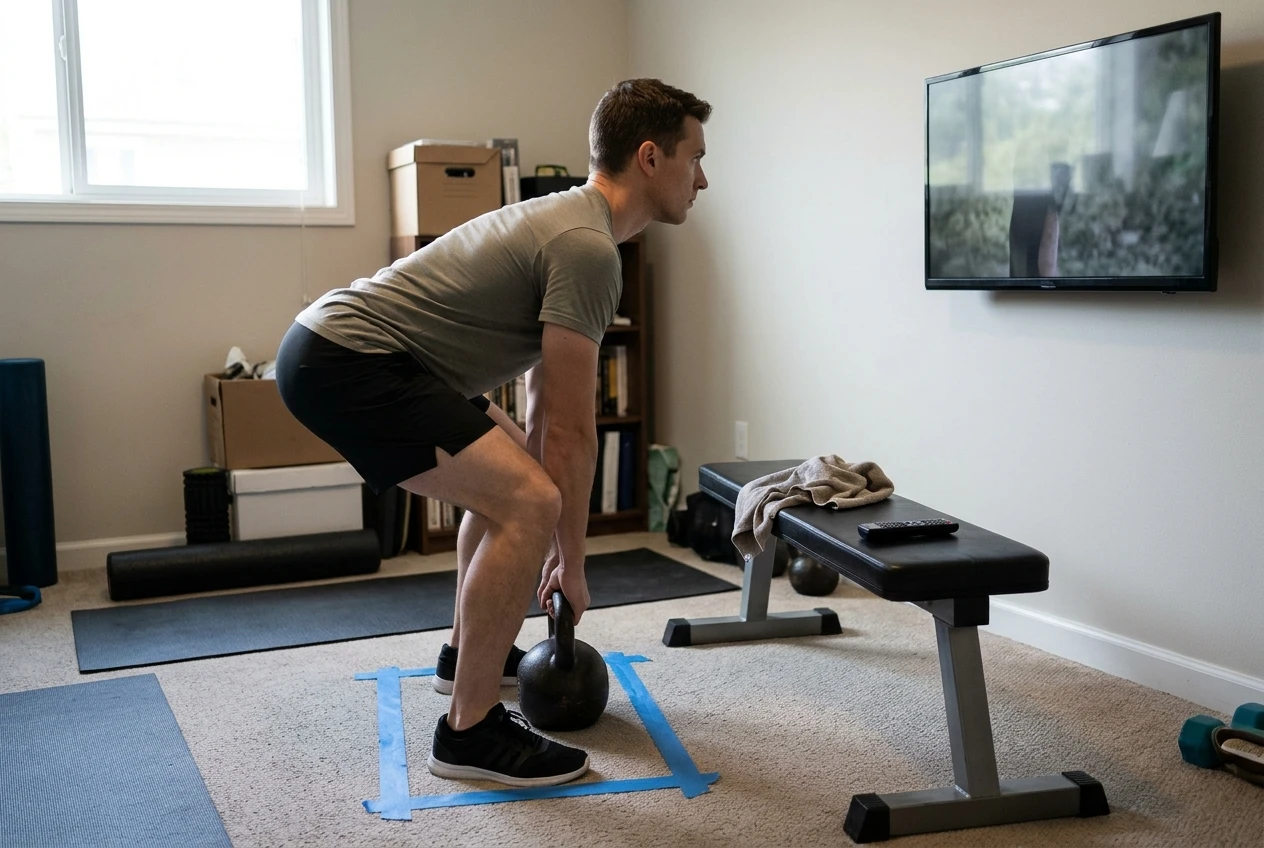
- Mark your spot (1 minute). Put tape on the floor where you will stand. Everything else is measured from it.
- Check the height (2 minutes). Stand on the spot, then hinge. Without moving your head, can you see the screen in both positions? If not, raise, lower or tilt it.
- Check the distance (2 minutes). Play a demo and look at the coach’s hands and feet. Can you read them without leaning forward or squinting? Move the TV, or your tape, until you can.
- Run the warm-up (3 minutes). Do each movement with the bell, glancing at the screen at the bottom and top of each rep. Note any glare, any twist of your neck, and any moment where you cannot hear the cues over the bell.
- Check the controls (1 minute). Pause and resume the session without touching your phone. Can you reach the remote without moving off your spot?
- Check the clearance (1 minute). Do a few light swings and see where the bell goes. Make sure the TV is out of its path.
Write down whatever failed and fix that one thing before the real workout. Repeat the test after the fix, since moving a screen to cure glare often changes the angle.
When your room can’t fit a TV
Some rooms will not take a TV at a useful height and distance. A narrow spare room, a garage with a low ceiling or a space shared with storage may leave no clear wall for it. Some people also train in a spot where a bell path and a screen cannot coexist safely.
In those rooms, the phone is still the right call. Put it on a stand at the height you worked out above, a little way back from your lifting spot, and use the same checks: glare, angle, clearance and notifications. The size of the screen matters less than whether you can see it during the lift.
If you are still deciding whether to switch, the review of the Kettlebell Monster Samsung TV app covers what changes when you move from the phone to the TV. The setup test above is the practical side of that decision, since a TV that fails it will not improve your form.
If your room has a Samsung TV, try the Kettlebell Monster Tizen TV app for your next session and run the setup test from this article. This is an affiliate link, so this site earns a commission if you buy through it.