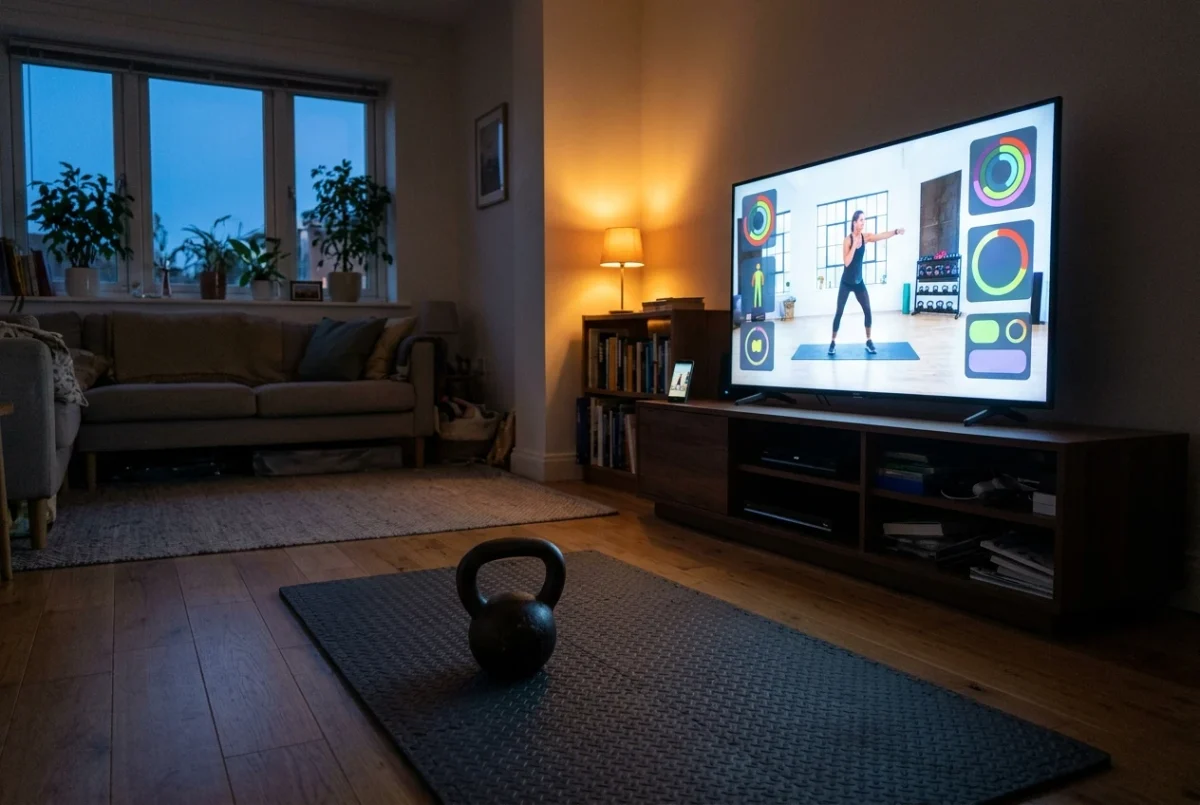
If you already train in front of a Samsung smart TV, the question is simple: does a TV app do anything your phone propped on a shelf does not? This review of the Kettlebell Monster Samsung TV app does not claim a specific result. It gives you a way to judge the app in your own room, in your first few sessions, and ends with a switch, stay or skip verdict for different kinds of lifters.
What switching from the phone to the TV changes
A phone on a shelf has three problems that show up mid-set. The screen is small, so you either stand close or squint. The touchscreen needs a clean, dry finger. And the screen locks or gets interrupted by a notification at the worst moment.
A TV solves the first problem directly. You read it from across the room, and you can read it from the spot where you swing or press. The remote is a physical object with buttons, which is easier to operate with rough hands than a glass screen. The phone also stays out of the session, so messages and low battery stop being part of your workout.
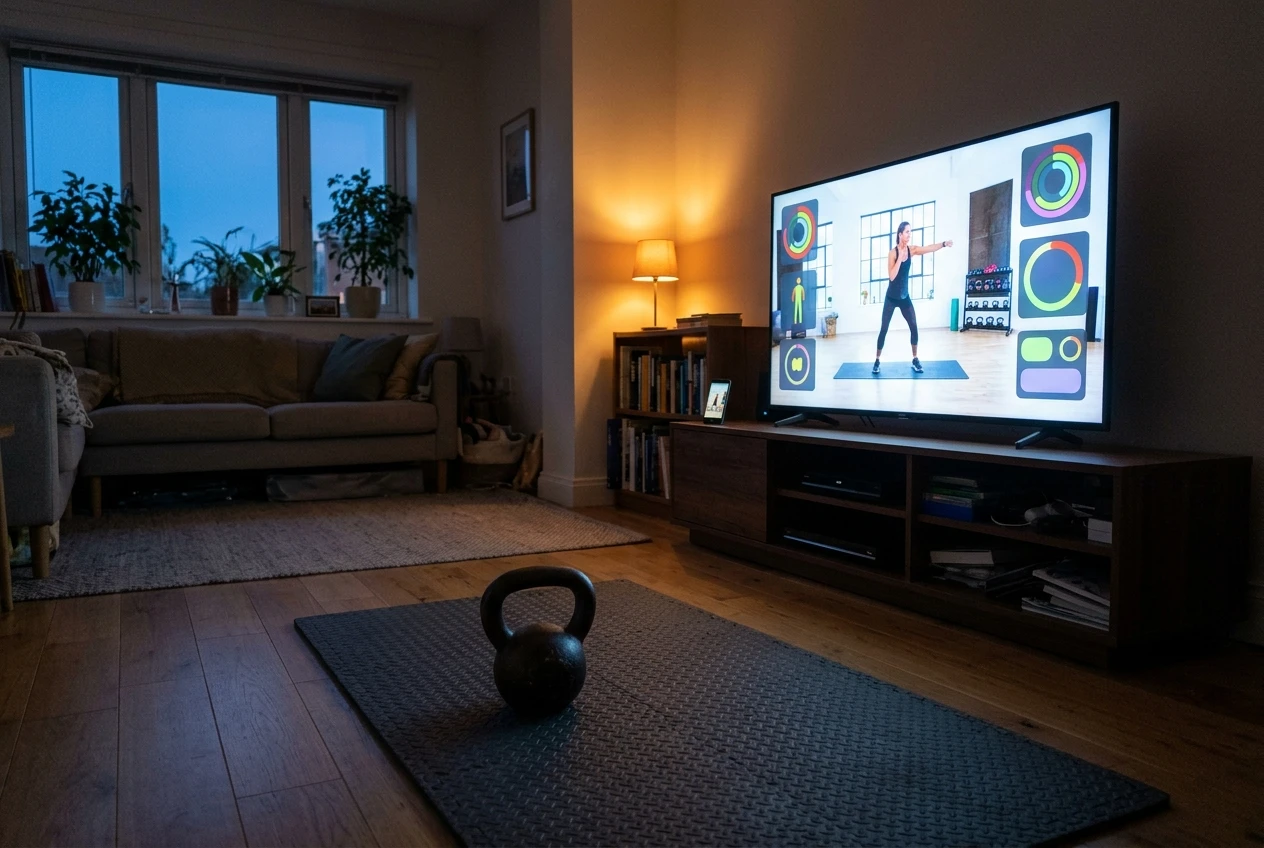
The TV does not change the bell, your form, the floor you train on, or whether you show up on Tuesday. Treat it as a way to make following a program easier, and judge it by that.
Before you download: check that your Samsung TV runs the app
Samsung smart TVs run an operating system called Tizen, and Tizen apps are built for it. Not every Samsung TV is a Tizen TV that supports every app, and which apps work can depend on the year and model of the set. Do not assume yours qualifies because it connects to Netflix.
Check these things before you spend any time on it:
- Your model number. It is on the label on the back of the TV and usually in the settings menu under a support or “About This TV” section. The wording varies by model year.
- The compatibility information on the app page. The Kettlebell Monster Samsung Tizen app page is where compatibility and what is included are listed, so read that rather than relying on a guess. The link is at the end of this article.
- Your Wi-Fi in the training room. If the TV sits in a room where the signal is weak, a streamed or downloaded session will stall mid-set. Test this by streaming something for ten minutes from the spot where you will train.
- Your Samsung account. Installing apps on a Samsung TV generally requires being signed in to a Samsung account, so sort that out before the day you want to train.
If your TV is not on the compatibility list, the decision is made: you are in the “skip” group below, at least until you replace the TV.
Setting it up and starting the first session
Follow the install instructions on the app page, since the exact menus in your TV’s Apps section depend on the model year. Once it is installed, do a dry run before you pick up a bell.
A dry run takes about ten minutes and answers most of the questions that otherwise interrupt your first real set:
- Stand where you will actually train and open the app. Can you read the main text from there?
- Decide where the remote will live during the session. A shelf, a bench or a step within reach of your hand works better than the sofa.
- Check the volume. A coach’s voice has to carry over your breathing, a fan and the sound of a bell on the floor.
- Find out how many button presses it takes to pause, go back and skip ahead. You will use these controls with your heart rate up, so fewer is better.
- Check whether you need to log in each time or whether the TV remembers you.
Run the first real session at a lighter bell than you think you need. You are learning the interface and the programming at the same time, and that is enough to manage without chasing a heavy set.
Using it mid-workout: reading it, following it and controlling it with chalky hands
This is the part of the decision you can only settle in your own room. Judge it on these points.
Legibility from your working positions. Check the screen from every position the session uses, not only the starting one. Kettlebell work puts you standing, hinging, lunging and sometimes lying on the floor. A Turkish get-up changes your sightline completely, because you are looking at the ceiling or sideways at the start. If the screen is unreadable from the floor, you will pause the session to look, and that breaks the flow the TV was meant to protect.
Glare. A window opposite the TV can wash out the screen at certain times of day. Train in the evening and in the morning once each before you decide the screen is fine.

The remote with chalk or sweat on your hands. Buttons are easier than glass, but chalk and sweat get into them and make them slippery. Putting the remote in a clear zip bag is a cheap fix, and wiping it between sets takes five seconds. If you have to dry your hands and walk across the room every time you need to pause, the control scheme is working against you.
Pacing. A TV coach moves at its own speed. Check whether you can pause between sets without losing your place, and whether the timing gives you enough rest for the bell you are using.
Sound and cueing. If you cannot hear a cue, a screen full of text is not a replacement. Check that you can follow a session with the screen at the edge of your attention.
Does the training itself hold up?
A bigger screen does not make a program better. The programming decides whether you get stronger, and the TV only decides whether you follow it. Because I cannot show you results the app produced, here is how to judge the programming yourself over the first few weeks, using a notebook.

Progression. Write down what you do each week: bell weight, reps, sets, and how the session felt. A good program changes something week to week in a way you can see on paper, whether that is reps, volume, density or load. If you cannot tell from your notes why week three differs from week one, the program is not progressing you; it is just occupying you.
Variety. Variety should mean a planned rotation of movements, and not random new exercises every session. Check whether the swing, the squat, the press and the carry or get-up each return often enough for you to practice them. A movement you do once a month does not improve.
Clarity of coaching. Look at three moments: how the app explains the setup for a movement, how it tells you to choose a bell weight, and what it says to do when a set is too hard or too easy. If those are vague, you will spend your sessions guessing.
Fit with your week. Count how many sessions per week the program asks for and how long each takes. A program that needs five sessions of an hour is a poor choice if you have three half-hour slots.
The app page and the main Kettlebell Monster site list what the program includes, so compare your notes against that and not against assumptions.
Where the TV app falls short, and the jobs you still own
A TV app, this one or any other, can show you a session and keep time. It cannot see you. Nobody is watching whether your back rounds on the fifteenth swing or whether your knee collapses in a squat. It cannot choose the bell that is right for you today, adjust for a bad night’s sleep, or notice that your shoulder has been complaining for a week. I covered the full list in what a TV coach can’t do for your strength training, and those jobs stay with you whichever screen you use.
There are practical limits too. The app only works on the compatible TV, so a session in the garage, the park or a hotel room needs a different plan. If the Wi-Fi drops, so does the session. And the TV is tied to one room, so if your bells live somewhere else, you either move the bells or lose the benefit.
Switch, stay or skip: a verdict by lifter type
Switch if you follow a structured program and currently lose time or focus to a phone propped on a shelf. Switch if your Samsung TV is already in the room where you train, your model is listed as compatible, and you want one clear screen showing what to do next. In this case the TV removes friction that you can feel every session.
Stay on your phone or laptop if you train away from the TV, if you move between locations, or if your current setup already works and you follow it consistently. A new interface is only worth the change if it improves your consistency. Consistent training on a phone beats an interrupted session on a TV.
Skip if your TV is not a compatible Samsung model, if your Wi-Fi is unreliable in the training room, or if the TV is somewhere you do not have floor space to swing a bell safely. There is no reason to rebuild your room around an app.
Write your own plan? If you prefer to build your own sessions, a TV coach will constrain you more than it helps, because you are using it as a timer and a screen. That is a legitimate choice, and it depends on whether you can progress yourself over a long stretch. My article on whether to follow a kettlebell program or write your own covers how to decide for the next two years rather than the next two weeks. If you do write your own, keep the app in mind only for weeks when you want a session handed to you.
How to try it without wasting a month
Set up a short test before you commit to a long stretch of training.

- Check compatibility first, using your model number and the app page. Do this before anything else, since it can end the decision in five minutes.
- Check the terms on the page, including what is included and anything about access. Read them yourself, because I will not guess at what applies to you.
- Run the dry run, then three real sessions over about a week, using lighter bells than your limit.
- Score each session on four things: could you read it from every position, did the remote cause an interruption, did you finish the session as planned, and did your notes show a clear plan for next week.
- Decide after the third session. If two or more of those scores were bad, stay on your phone. If they were good, continue and keep logging.
Your bell choice will matter during the test as well. If a session calls for a bell that is a big jump from the one you own, do not force it. Add reps with the bell you have first, as I explain in when the next kettlebell is a big jump up, progress the reps before the bell. That keeps the program moving without turning the first week into a form problem.
Check your TV and see what is included
If you own a Samsung TV, start with the Kettlebell Monster Samsung Tizen app page to check compatibility with your model and see what is included. (Affiliate link: I may earn a commission if you buy through it, at no extra cost to you.)
For the full program behind the app, visit the Kettlebell Monster main site. (Affiliate link: I may earn a commission if you buy through it, at no extra cost to you.)