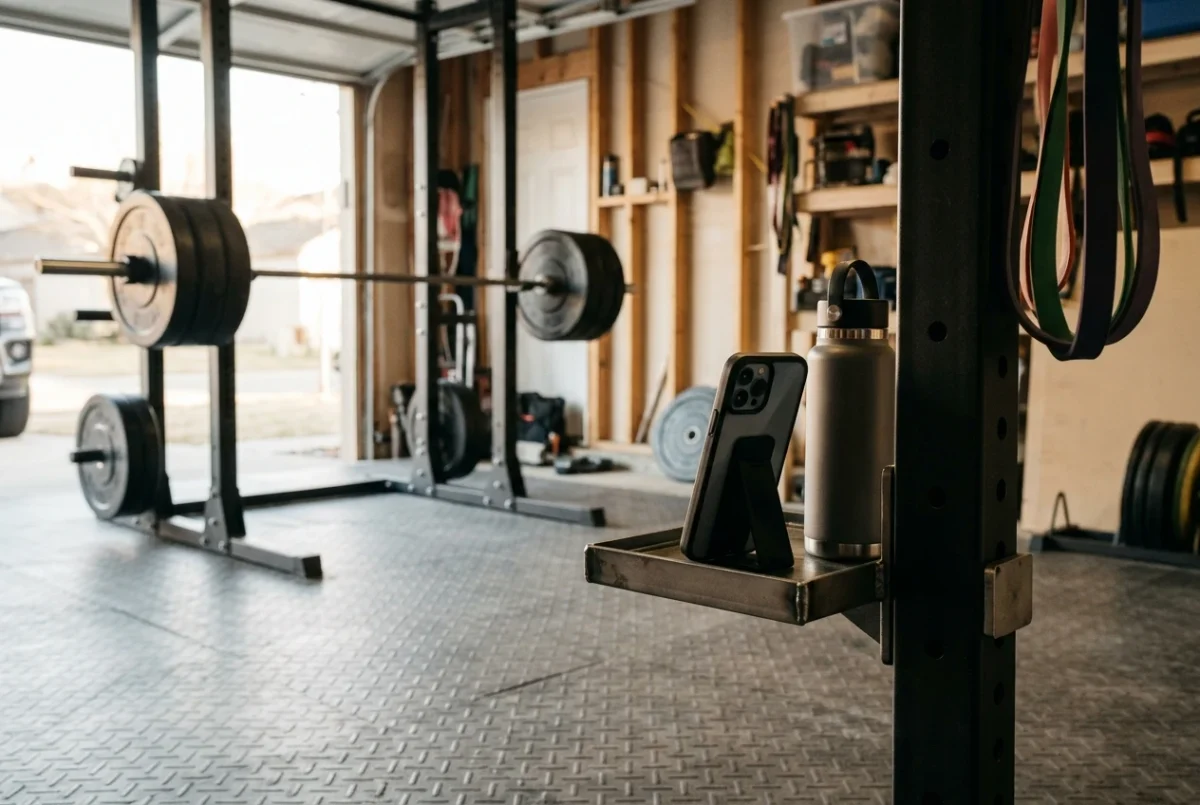
Learning how to check squat form with video takes a phone, a way to prop it up, and a consistent routine. Every lifter has a mental picture of their squat, and it is usually built from feel alone. Feel is unreliable under load. A set that feels deep can be several inches high, and a set that feels like your knees are driving out can show them drifting in.
This guide gives you a repeatable method: where to put the phone, three angles to film, which tools in a video app to use, and how to read five common faults. Each fault comes with one fix to try in your next session.
Why your squat feels different from how it looks on camera
When you squat heavy, your attention goes to the bar, your breathing and not failing the rep. Little is left over for noticing where your knees point or how your pelvis moves at the bottom. Your body also reports position poorly when you are tired, so the rep you remember is a rough guess.
Video gives you a second opinion that does not get tired or flattered. It shows what happened, at the speed you can study, as often as you like. The aim is to find one or two specific things to change, not to pick yourself apart.
Where to put the phone: the side, front and rear angles
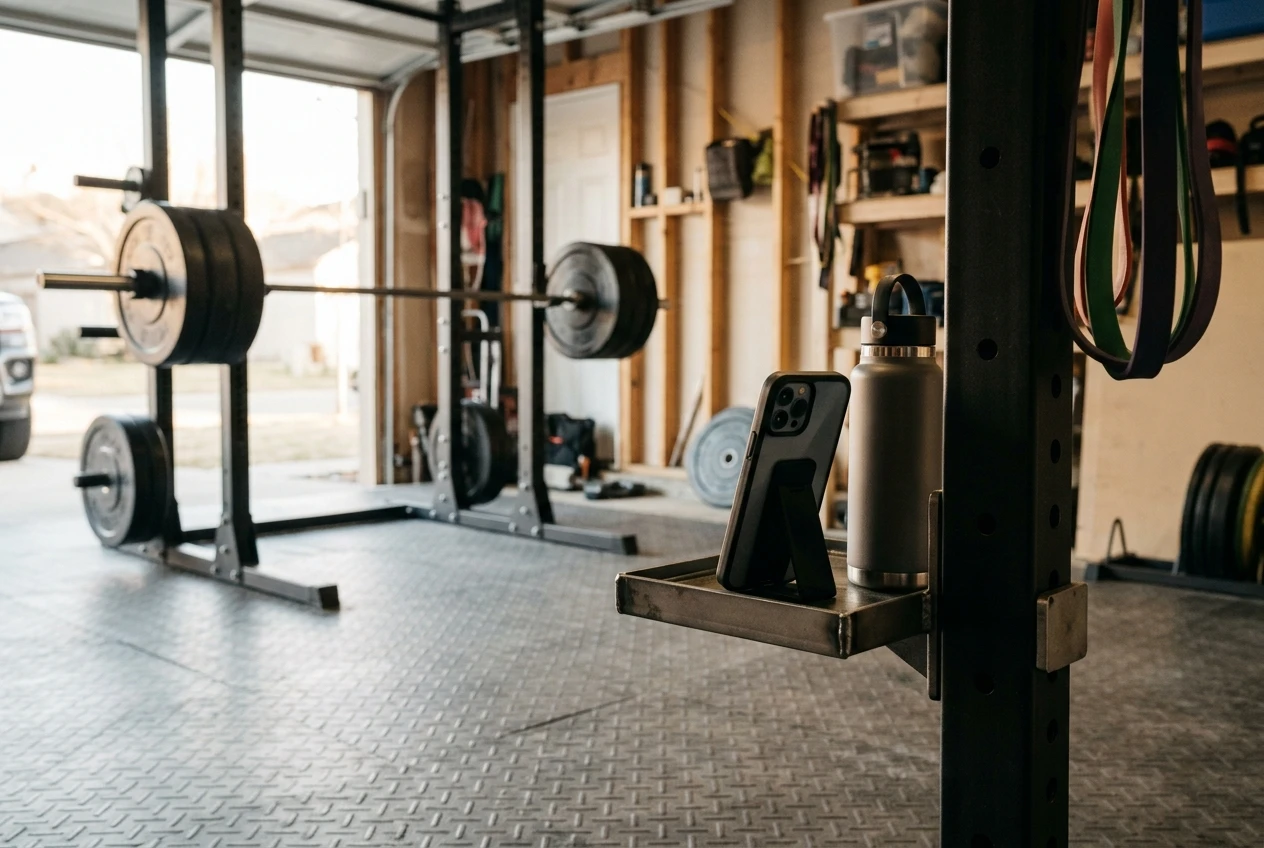
Three angles cover almost everything. You do not need to film all three every session. Rotate through them, or pick the one that matches the fault you suspect.
General setup for every angle:
- Prop the phone on something stable, such as a water bottle against a rack upright, a small tripod, or a stack of plates.
- Place the lens at roughly hip height or a little lower, and keep the phone level, not tilted.
- Step back far enough that your whole body, the bar ends and the floor stay in frame for the entire rep, including the descent.
- Film in landscape orientation, with good light in front of you, not behind you.
- Wear fitted clothing where you can. Baggy shirts and shorts hide knees and hips.
Side view
Film from your left or right, with the camera at a right angle to your body. This is the most useful angle. It shows depth, forward lean, heel contact, pelvis position at the bottom and the path of the bar from above midfoot to the top and back down.
Front view
Film from directly in front, facing you. This shows knee tracking, how your feet sit on the floor and whether your weight shifts to one side. It is the angle to use if you suspect knee cave or an uneven stance.
Rear view
Film from directly behind. It shows left-right symmetry, such as one hip rising earlier than the other or a lean to one side as you come out of the hole. It also shows whether your stance matches what you thought you set up.
If you train in a cramped space, the room itself can decide your angles. The home lifting space setup article covers how to arrange a small area so there is room for the camera as well as the bar.
What to look for in a video app
Your phone’s built-in camera and gallery already do part of the job. Dedicated video analysis apps add the rest. Features vary between apps and change over time, so check what yours offers rather than assuming. These are the four that matter:
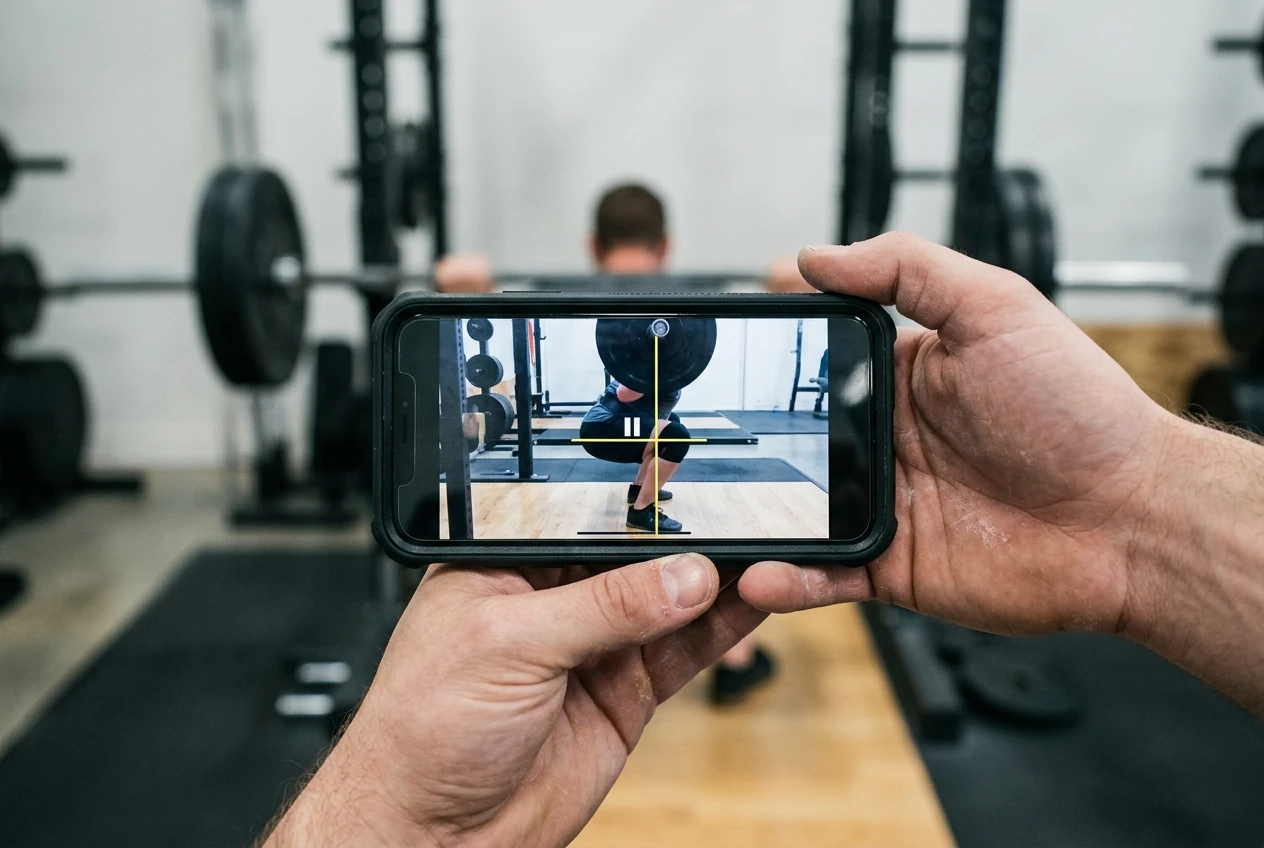
- Slow motion playback. Playing the clip at a fraction of normal speed lets you watch the transition at the bottom, where most faults appear. Many phones can also record in slow motion, but playback control on a normal recording is usually enough.
- Frame-by-frame scrubbing. Dragging through the clip frame by frame lets you stop on the exact frame where your hips are lowest, then check the position carefully.
- Drawing tools. Lines, angles and circles drawn on a paused frame turn a hunch into something you can see. A vertical line shows the bar path. A horizontal line shows whether the hip crease went below the knee.
- Side-by-side compare or overlay. Putting two clips next to each other, or laying one over the other, lets you compare a rep from this week with one from last month, or with a reference rep.
If an app lacks drawing tools, you can pause on a frame and hold a straight edge up to the screen. It is clumsy, but it works.
Reading the footage: five faults to check
Pause on the same moments every time: the start position, the frame where you are lowest, and the point just after you begin to rise. Then check these five things in order.
1. Depth
Use the side view. Freeze on the lowest frame and draw a horizontal line across the top of your knee. Look at the crease of your hip, where the thigh meets the torso. If the crease sits above the line, you stopped high. If it sits below, you reached parallel or deeper.
The cue is a clear comparison between two points on one frame, so avoid judging by the angle of your thigh by eye. Check a few reps in the set. Depth often shrinks as fatigue builds.
2. Knee tracking
Use the front view. Draw a vertical line from the middle of each foot upward and watch where the knee goes relative to that line during the descent and the drive up. Knees that travel inward toward each other, especially on the way up, are caving. Slight movement is normal. The fault is when the knees clearly collapse inside the line of your feet.
3. Heel contact
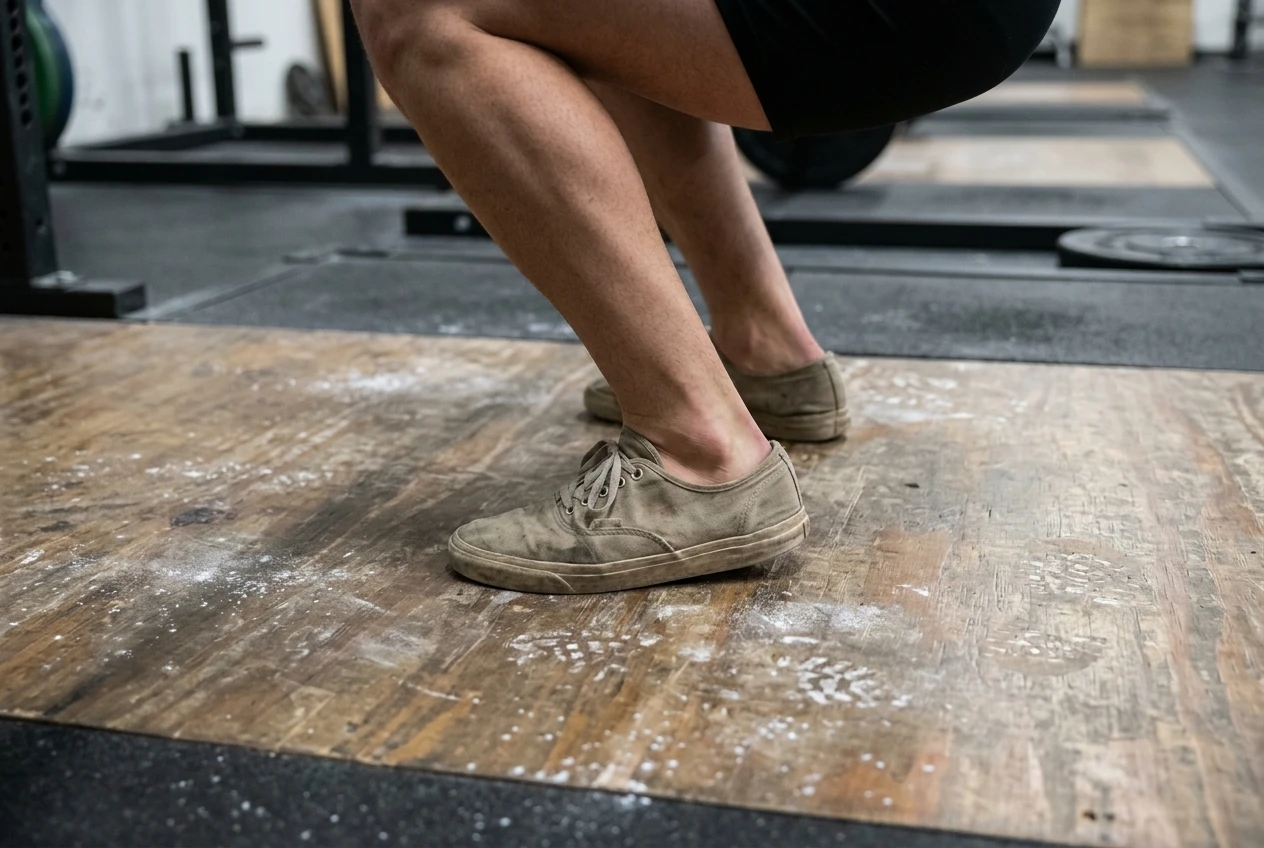
Use the side view and look at your feet. The whole foot should stay flat on the floor. If the heel lifts off the ground at the bottom, or if your weight rocks onto your toes as you come up, the video will show a gap under the heel on a paused frame. Check also whether your heels stay down on the descent and rise only when you stand.
4. Back position and butt wink
Use the side view at the bottom of the squat. Watch the line of your lower back and pelvis. Butt wink is when the pelvis tucks under and the lower back rounds as you reach the lowest point. On video it shows up as a visible curl at the base of the spine in the last few frames of the descent, often right at the turnaround. Step through the frames slowly to see exactly where it begins.
5. Forward lean and bar path
Draw a vertical line straight up from the middle of your foot, which is the point halfway between heel and toes. The bar should travel close to that line from start to finish. If the bar drifts forward over your toes at the bottom, or the torso leans far forward so the hips shoot up first, the line will show it. Your trunk angle should stay roughly the same through the first part of the ascent, not fold forward.
What each fault usually means and one fix to try
These are common causes and a single fix each. Change one thing at a time, then film again.
Shallow depth. Often the load is too heavy for your current range, or you are unsure where depth is. Fix: lower the weight by a noticeable amount and squat to a box or bench set at the depth you want, touching lightly before standing. Film it to check the hip crease passes below the knee line.
Knee cave. Usually a mix of weak hip muscles, a stance that does not suit you, or a load that is beyond your control. Fix: take a lighter weight and, on each rep, push your knees outward in line with your toes as you descend and as you stand. Keep that cue the same every rep and film from the front.
Heels lifting. Often limited ankle movement, or weight sliding forward onto the toes. Fix: try a slightly wider stance with your toes turned out a little, and think about pressing the whole foot into the floor. If that does not help, squat in flat, firm-soled shoes or lifting shoes. Avoid soft running shoes, since their cushioning shifts under load.
Butt wink. Commonly a stance or depth problem rather than a defect. Everyone’s hip structure is different, and some people reach a point where the pelvis has to tuck. Fix: change your stance width and toe angle slightly, and squat only as deep as you can without the pelvis curling under. Film the new depth and check the lower back stays steady through the last frames.
Forward lean or bar drifting off midfoot. This often comes from bar position, a cue to sit back too far, or the quads and upper back running out of strength at the bottom. Fix: pause for a second at the bottom of a lighter squat, keep your chest facing forward, and press the floor away while keeping the bar over midfoot. Bar position changes your natural lean too, which is why the high bar versus low bar squat differences article is worth reading if the lean looks like a setup issue.
Using a reference video and overlay
A reference rep gives you a target. It can be your own best rep from a previous session, or a clear video of a good squat from a coach with a similar build and the same bar position as yours.
Put it beside your clip, or use an overlay if the app supports it, and match the two at the start position. Then step through both at the same moments: lowest point, midway up and lockout. Check where the bar sits over the foot, how deep the hips go, and how the trunk angle changes.
Treat the reference as a guide, not a mold. Bodies differ in limb length and hip structure, so your squat will not look identical to anyone else’s. Compare patterns, such as bar over midfoot or knees tracking over toes, rather than copying exact joint angles.
A simple weekly review routine
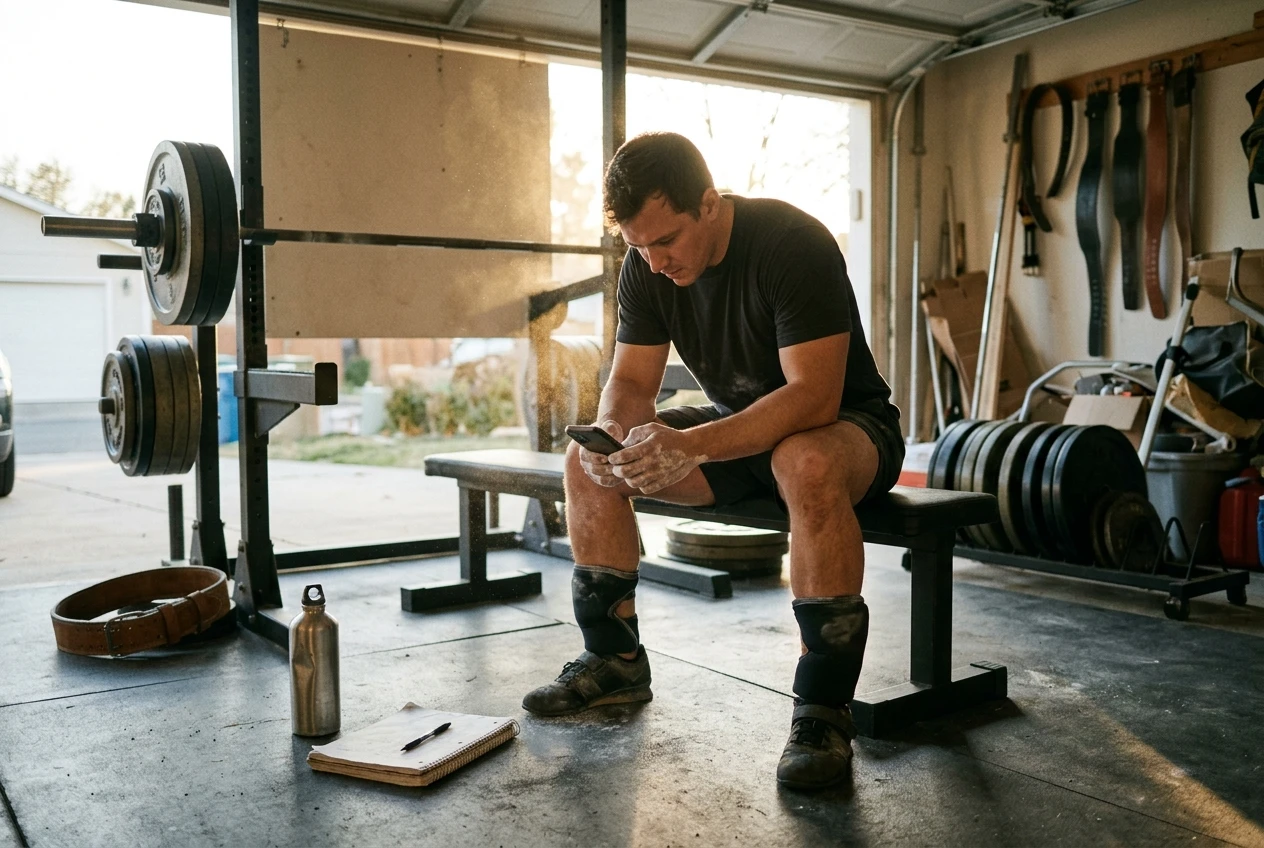
Footage only helps if you act on it. This routine keeps it short.
- Film one working set per squat session. Choose either your first working set or your heaviest set, and use the same one each week so comparisons are fair.
- Rotate angles. Side view one session, front view the next, rear view when you need to check symmetry.
- Review right after the set. While you rest, watch the clip in slow motion and step through the bottom position.
- Pick one fault. Choose the most obvious problem and write down the single fix you will try next session.
- Label the file. Name it with the date, the weight and the angle so you can find it later.
- Compare once a week or two. Put a recent clip next to an older one and check whether the fault has changed.
Working on one fault at a time keeps your attention on a single cue under the bar. Five corrections at once usually make the set worse.
When video can’t tell you enough
Video shows position, but it cannot show what you feel or why a movement pattern exists. Bring in a qualified coach if:
- You feel pain in the knees, hips or back during or after squatting. Pain is a reason to stop and see a healthcare professional, not to adjust your cues.
- The same fault stays after several weeks of trying the fix.
- You cannot tell from the footage whether a position is a technique problem or a mobility limit.
- You are working toward heavy singles and want someone watching for safety as well as technique.
A coach can also see things the camera misses, such as how a rep looks in the moment, how your bar speed changes, and how you respond to different cues.
If you would rather follow a guided program on screen while you build your movement skills, the Kettlebell Monster review explains what the program teaches and whether it suits your training. You can see the program itself at kettlebell.monster. Disclosure: that is an affiliate link, so I may earn a commission if you buy through it.